How to save and unroll a Twitter (X) thread before it disappears
How to unroll a Twitter (X) thread into one readable page, save the whole chain (not just one tweet), and keep it after the author deletes it. Thread Reader, Markdown, and capture-first backups.
Someone drops a 25-tweet masterclass, you bookmark it, and weeks later you come back to find one lonely tweet with "Show this thread" leading nowhere, or the whole account gone. The best writing on X often lives in threads, and threads are the single worst thing on the platform to save.
The short version: X has no built-in "unroll," bookmarking a thread saves only the one tweet you tapped, and the whole chain dies the moment the author deletes it or goes private. Here's how to unroll a thread into one readable page, how to save the entire thing, and how to keep a copy that outlives the original.
The quick answer: how to unroll a thread right now
There's no unroll button inside X, so you use a service that compiles the chain for you. The most established is Thread Reader App:
- Reply to the thread with
@threadreaderapp unroll(any tweet in the chain works). Within a minute or two the bot replies with a link. - Open that link to read the whole thread as one clean, scrollable page, author at the top, every tweet in order, replies and clutter stripped out.
- Or paste the URL: copy any tweet's link, go to
threadreaderapp.com, and paste it into the unroll box instead of tagging the bot.
That gives you something readable. What it does not give you, by default, is a copy you own. The unrolled page lives on someone else's server, and if the original thread comes down, most unrollers can't rebuild it after the fact.
Why threads are the hardest thing on X to save
A thread is just a chain of tweets an author replied to themselves, one after another. X treats each tweet as its own object, which is exactly why saving one falls apart:
- Bookmarks save one tweet, not the thread. When you tap the bookmark icon, you save that tweet. Bookmark the first one and you've saved the hook with none of the payoff; bookmark the last and you've saved the conclusion with no setup. There's no "bookmark whole thread."
- There's no thread search. X's bookmark search only matches keywords, only inside X, and only on web and iOS. It can't reassemble a chain or search the parts you didn't explicitly save. (More on that in our X bookmarks guide.)
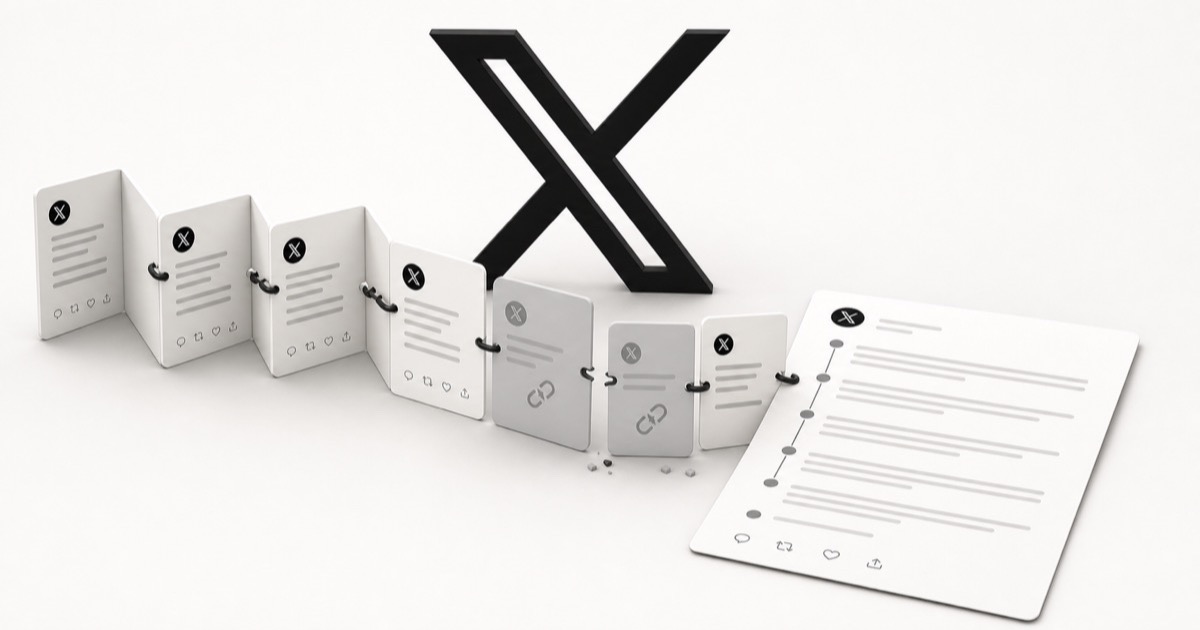
- The order is fragile. If the author deletes one tweet in the middle, the thread breaks in two and the "Show this thread" trail can dead-end, even while the other tweets still exist.
Why your saved thread quietly dies
Even a perfectly unrolled thread is only a pointer back to tweets that still live on X's servers. That's the part that bites later.
A saved thread is only as alive as the original
The moment the author deletes the thread, sets the account to private, gets suspended, or nukes and re-posts (a common habit on X), your bookmark and most unrolled links resolve to nothing. The save looks intact right up until you open it.
Threads are especially prone to this because they're effort. Authors delete and re-post to fix a typo or reset the numbers, prune old takes, or lock down after a post goes viral for the wrong reasons. Whatever the reason, the writing you meant to keep leaves with them.
Ways to save a thread, side by side
| Method | You own the copy? | Survives a delete? | Searchable by topic? |
|---|---|---|---|
| X bookmark (native) | No | No | No |
| Thread Reader App link | No | No | No |
| Screenshot every tweet | Yes | Yes | No |
| Export as Markdown | Yes | Yes | Yes |
| Capture-first library | Yes | Yes | Yes |
An unroll link is great for reading, but it's hosted by someone else and dies with the original. Only the last two rows, an owned copy of the actual text, are built for keeping.
How to keep the full text (not just a link)
If you want the words, not a pointer, pull the thread into plain text or Markdown you control:
- Convert it to Markdown. Paste a tweet URL into our free tweet-to-Markdown tool to get clean, portable text you can drop into any notes app, or turn a tweet into plain text if you just want the words. No signup.
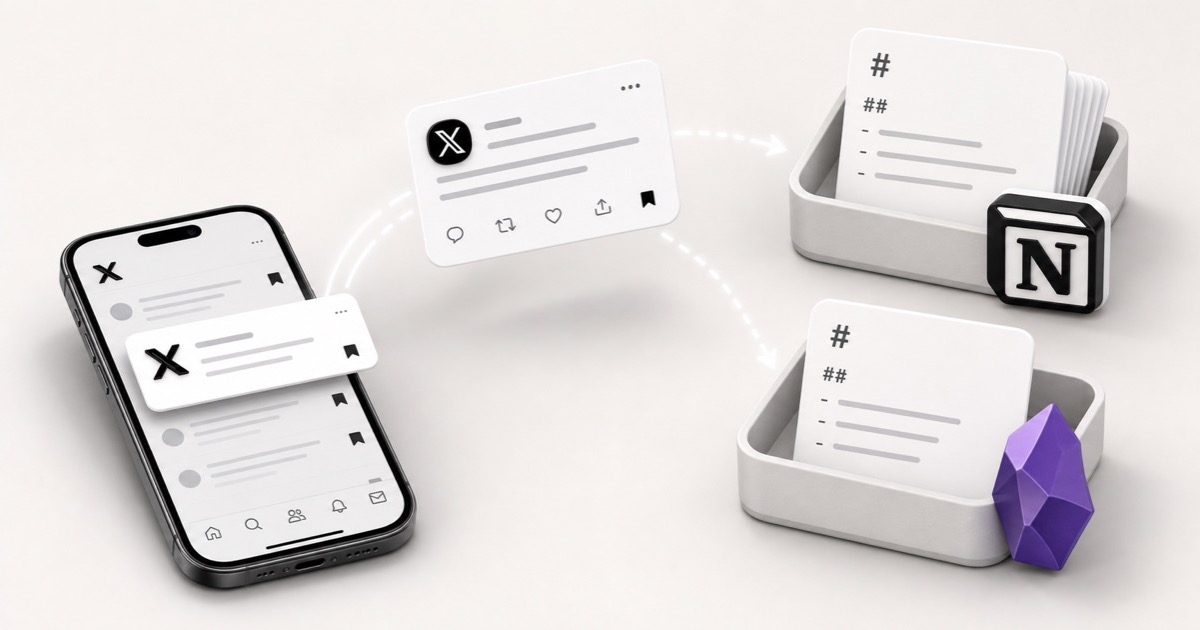
- File it in your notes. Once it's Markdown, it belongs in Notion, Obsidian, or wherever you think. Our guide on saving tweets to Notion and Obsidian walks through doing this for full threads, with citations that survive deletion.
For your own threads, use the archive
If the thread is yours, you can pull the raw tweets from your official X data export. See how to download your X archive for the exact steps and what the ZIP actually contains.
How to actually keep every thread you save
Markdown-per-thread works, but it's manual, one thread at a time, and easy to forget in the moment you're actually reading. The durable fix is to capture the content, not just a link, automatically, the instant you save.
That's what Stashr does. Its browser extension watches for saves on X and, the moment you bookmark a tweet, mirrors that post (text, author, and media) into a private library of your own, a real copy instead of a pointer. Because it's a real copy:
- It survives deletion. The author can delete the tweet or nuke the whole thread; your saved copy stays put, text and all.
- It's all in one place. Your X saves land next to your Reddit, Instagram, and TikTok saves instead of a pile of separate silos and unroll links.
- You can search it the way you think. Every save is AI-tagged on the way in, so plain-English search actually works:
For the whole thread rather than one tweet, pair this with the Markdown export above: unroll to read, export to keep the full text, and let your library keep every save permanent and searchable.
For the bigger picture on why saved links rot in the first place, see why your saved links die and how to keep them alive.
Common questions
How do I unroll a Twitter thread?
Reply to any tweet in the thread with @threadreaderapp unroll, or paste a tweet
URL into threadreaderapp.com. Either way you get a single page with the whole
chain in order. Just remember the page is hosted by the service, not saved to you.
Does bookmarking a tweet save the whole thread?
No. An X bookmark saves the single tweet you tapped, not the chain it belongs to. To keep the whole thread you have to unroll it and export the text. A capture-first tool then makes the tweets you do save permanent and searchable, so each one is a real copy rather than a pointer that rots.
Can I unroll a thread after it's been deleted?
Usually not. Unrollers and bookmarks both read from the live tweets, so once the author deletes the thread or goes private, there's nothing left to fetch. The only reliable way is to have captured a real copy before it came down.
What's the best way to save a thread permanently?
Get the actual text out, not just a link. Unroll the thread and convert it to Markdown to file the full chain in your notes, and use a capture-first tool like Stashr so the tweets you bookmark are copied as you save, staying searchable and deletion-proof instead of rotting into a pointer.
Stop losing the threads you save.
Stashr captures every save across every platform the moment you tap it. Full content, auto-tagged, findable in plain English.
14-day free trial · No credit card required · Cancel anytime