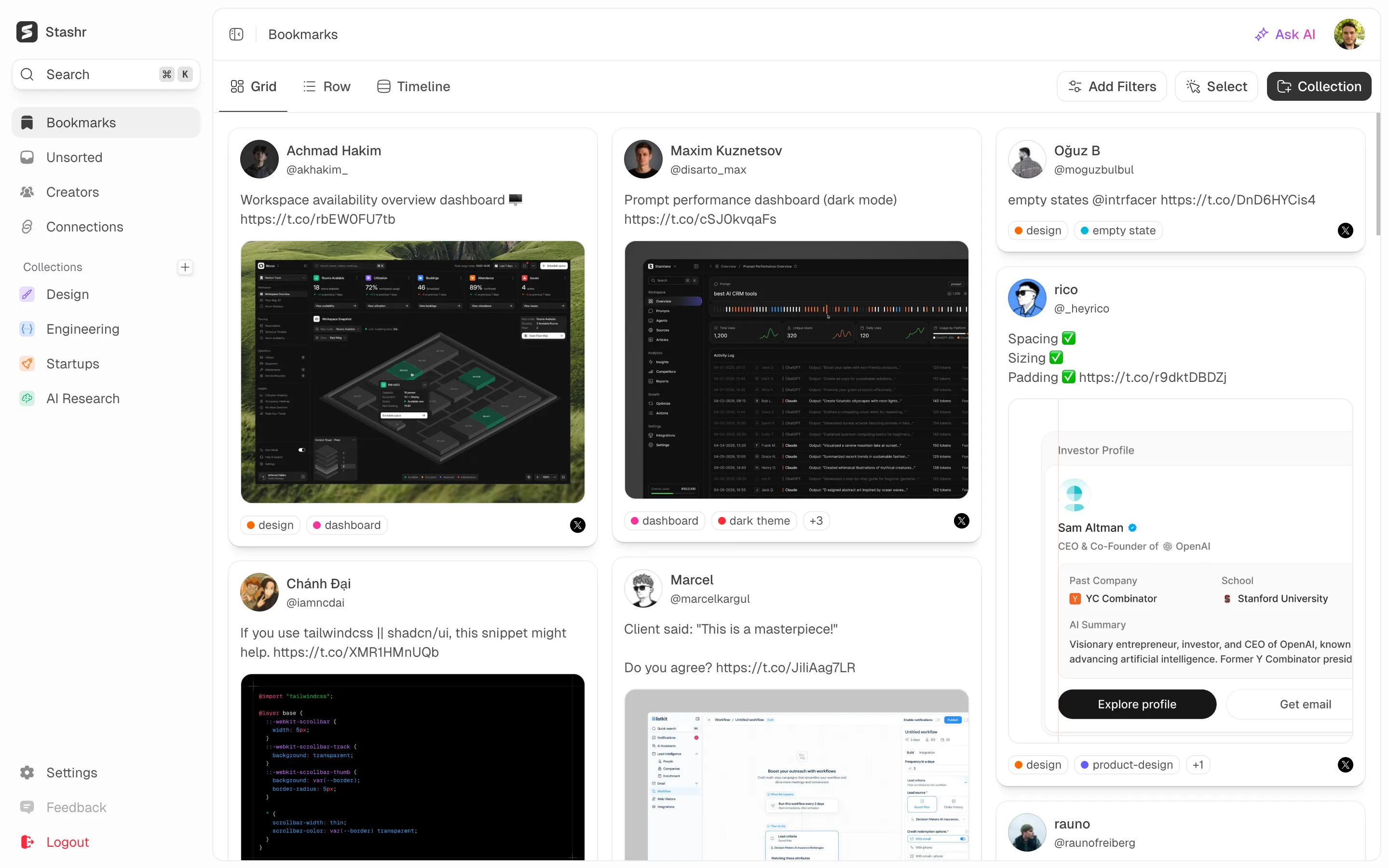
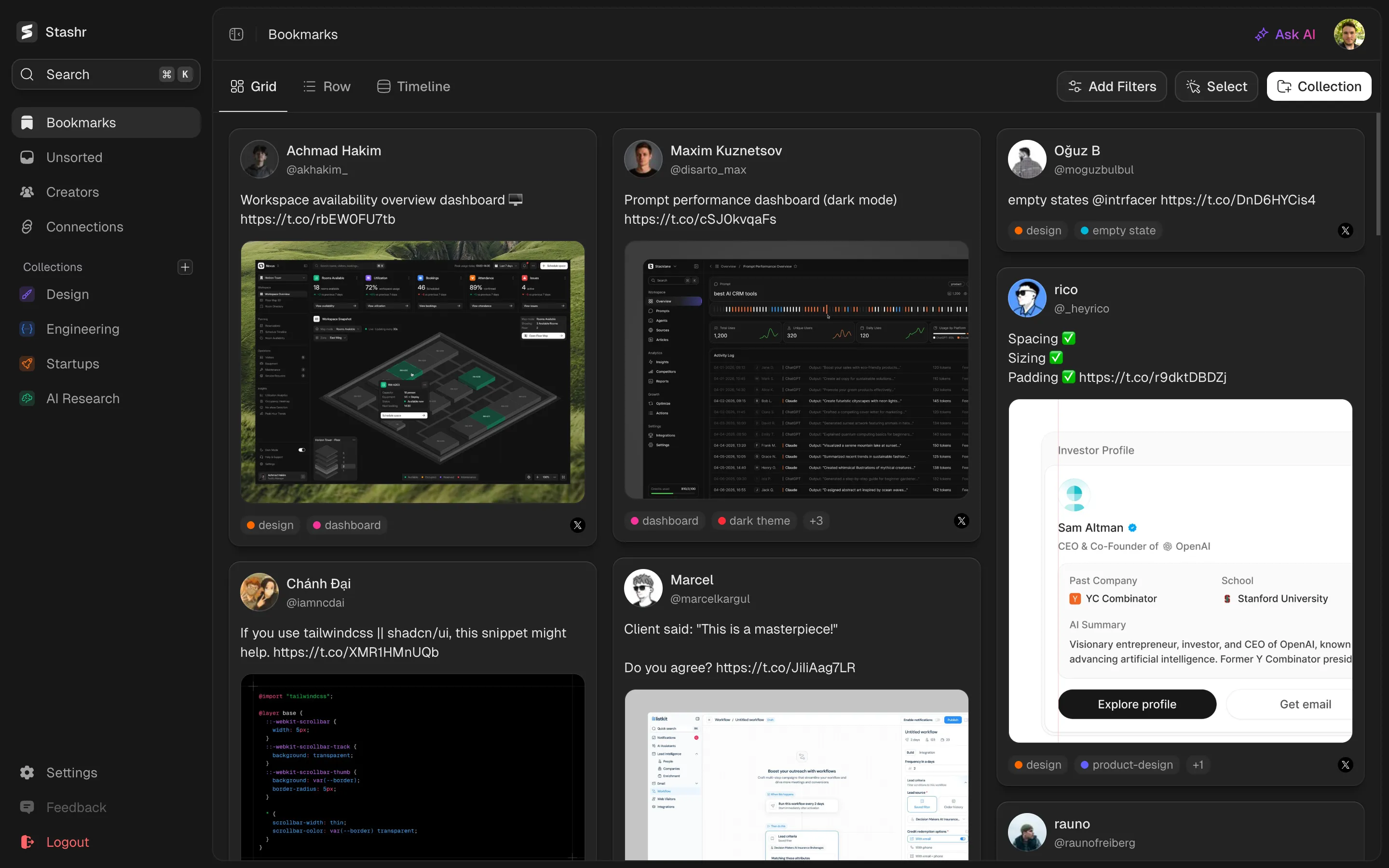
Simple pricing. No surprises.
Stashr Pro turns every save, across every platform, into a searchable, AI-organized library. Try free for 14 days.
Hobby
Capture saves from any site, so nothing gets lost again.
Billed $54 annually
Early member price, yours for lifeStart free trialUnlimited saves
Every supported platform
Real-time capture as you bookmark
Multiple accounts per platform
Bulk import existing bookmarks
Collections, folders, and filters
Search your text by meaning, not keywords
Save any web page, image, or text snippet
Private vault, export any time
Most popular$7.50/month$7.50/month 25% off
Pro
AI tags every save and helps you find them again, fast.
Billed $90 annually
Early member price, yours for lifeStart free trialEverything in Hobby
AI auto-tags every save
Search images and video by meaning too
MCP for Claude, ChatGPT, and AI tools
CLI, API, and agent skill access
Priority support
 Chrome
 Edge
Edge Brave
Brave Opera
Opera Arc
Arc Firefox
No credit card required. Cancel anytime.
All prices in USD.
Frequently asked questions
Quick answers to the things people ask most about Stashr.
Getting started
Stashr is the single home for everything you save online. It captures your bookmarks from social platforms, plus any web page, image, or text snippet you save, then AI tags everything automatically so you (or your agent) can find anything in plain English.
Posts you save on X, Reddit, Instagram, and TikTok, repos you star on GitHub, and any article or page on the web with a right-click, with more platforms on the way. Plus standalone images and text snippets. If you can save it on the web, Stashr is built to capture it.
Yes, that is exactly what Stashr is. You keep using each platform's own save button, and the extension captures every save into one library, with the full post text, images, and author stored so it survives deletion. Everything is AI-tagged and searchable in plain English, and you can bulk-import the saves you already have on each platform. Starting with X, Reddit, TikTok, Instagram, and GitHub, with more on the way.
Desktop Chrome, Firefox, Edge, Brave, Arc, and Opera. Safari is on the roadmap.
Right now. Create an account, install the extension, and start saving. Every account begins with a 14-day free trial, no credit card required.
Capturing & syncing
You save things the way you always do. Stashr's browser extension captures the save in the background, mirrors the full content into your library, and AI-tags it on the way in. Nothing in your normal flow changes.
You can bulk-import everything you've ever saved on each supported platform. New saves are captured live; old ones are backfilled on demand.
There's no mobile app or share extension. Save things on your phone with each platform's own Save or Bookmark button, then run Import for that platform from the Stashr extension on your desktop. Import reads your saved list and pulls in anything new, so it only picks up posts that still exist at that point.
Yes. Stashr captures from whichever account you're signed into, so switching accounts on the platform Just Works.
Platforms change their APIs without warning, so every now and then a save might land with missing metadata, or miss entirely. As soon as we catch a breakage (or you report one), we'll push a patch as fast as we can. Anything saved while the issue was live will need to be unsaved and re-saved on the platform once the fix ships, since we can't recover what wasn't captured the first time.
AI, search & agents
Every saved item gets analyzed by AI on capture and tagged automatically. You can edit or remove any AI tag, add your own, and group saves into collections, but the default is no manual sorting required.
Most bookmark tools just match titles or URLs. Stashr searches the full content of every save by meaning, not just keywords, so "that pasta recipe I saved last month" finds it even when those exact words never appear. Meaning-based search across your text is on every plan; Pro extends it to your images and video. Tags, authors, platforms, and dates are all filterable too.
Yes. Connect Claude, ChatGPT, Codex, Cursor, or another MCP-compatible client to search, read, and organize your private library from a conversation. Terminal agents and scripts get the same access through the official CLI. Agent access is part of Pro and included in every free trial.
Your data & pricing
Yes. Stashr is a private vault by default. Nothing is published, nothing is shared with other Stashr users, and you can export or delete everything at any time.
It stays in your library. Stashr captures the full content of every save, so deletes, account lockouts, and dead links don't take your saves with them.
Stashr starts with a 14-day free trial (there's no permanent free tier), then Hobby is $6/month (unlimited capture plus meaning-based search across your text) and Pro is $10/month (adds AI auto-tagging, semantic search across your images and video, and AI agent access over MCP, the CLI, and the API). Both are cheaper billed yearly.
If you cancel during the trial, your data is held for 30 days. If you've subscribed before, your library is retained for one year after cancellation. While not subscribed, the library isn't viewable and the API is paused, so export before you cancel, or resubscribe to get back in.
Can't find what you're looking for? Contact us
Try Stashr Pro
The full memory layer for everything you save online. Auto-captured, AI-tagged, and findable in plain English.
Get started for free
Starts with a 14-day free trial.