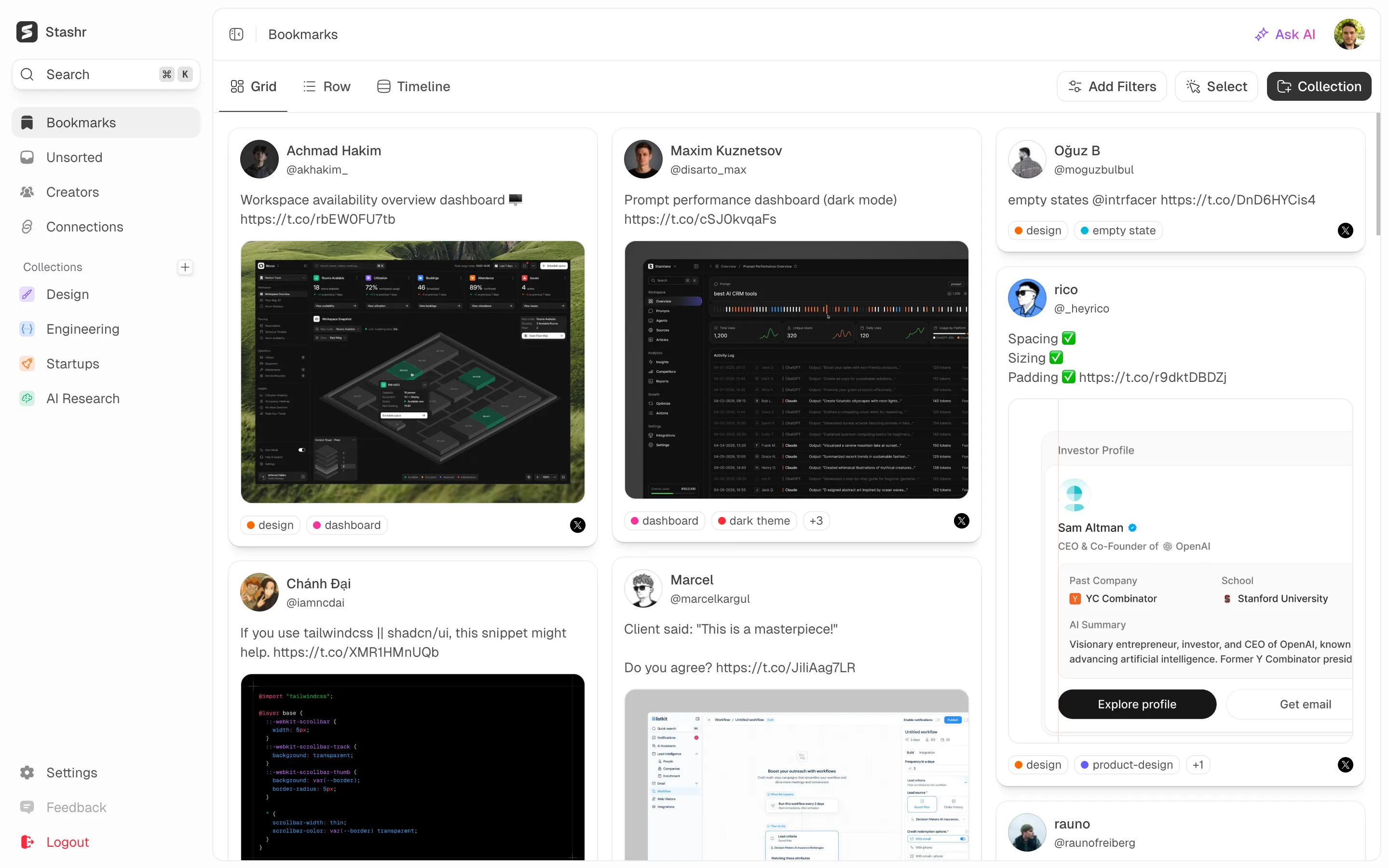
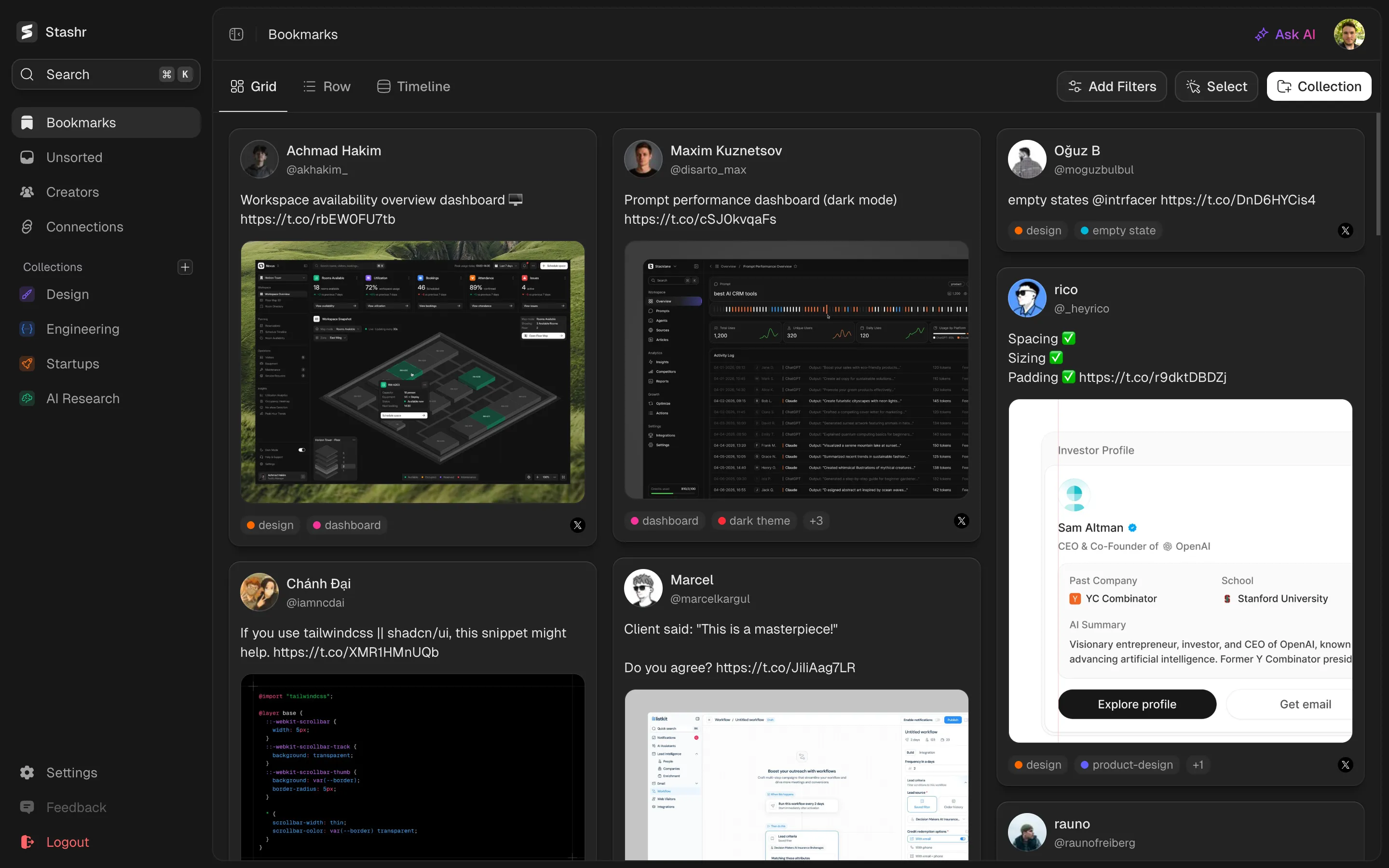
Stashr vs Notion Web Clipper
Notion is a powerful workspace, and its Web Clipper can drop a page into a database with one click. For social saves it falls short: clipping is manual, it cannot capture from inside the X app, and the result depends on how the page happens to parse. Stashr captures each save automatically and keeps a clean copy of the text and images.
Feature by feature
| Feature | Stashr | Notion Web Clipper |
|---|---|---|
| Real-time auto-capture | ||
| Permanent copy, survives deletion | ||
| Platforms covered | ||
| Bulk-import your backlog | ||
| AI auto-tagging | ||
| Collections & filters | Yes | |
| Search by meaning | Yes | |
| One unified library | Yes | |
| Media gallery | Yes | No |
| Pricing | 14-day free trial, then $6 to $10/mo | Free; Plus $10/mo; AI extra |
Pricing
Stashr
Hobby $6/mo or Pro $10/mo, dropping to $4.50 and $7.50 billed yearly. Includes a 14-day free trial.
Notion Web Clipper
Free; Plus $10/mo; Business $20/mo. Notion AI is a separate, credit-based add-on.
Common questions
The verdict
Notion is a brilliant place to write, plan, and build databases, and if your saved links already live there it can double as a bookmark store. As a social-saving tool it is manual work: you clip each page yourself, the Web Clipper cannot reach inside the X app, and how a tweet or reel turns out depends on how the page parses. Stashr captures every save automatically, keeps a clean copy of the text and images, and tags it on the way in. It saves any web page with a right-click as well, keeping the readable article, so you are not trading the clipper away for auto-capture. If you want saving to be effortless rather than another thing to maintain, Stashr fits better, and the two can happily live side by side.
More comparisons
Try Stashr Pro
The full memory layer for everything you save online. Auto-captured, AI-tagged, and findable in plain English.
Starts with a 14-day free trial.