Why screenshotting posts isn't saving them
Screenshotting a post feels like keeping it. Here's what a screenshot quietly throws away, why your camera roll swallows it, and what to do instead.
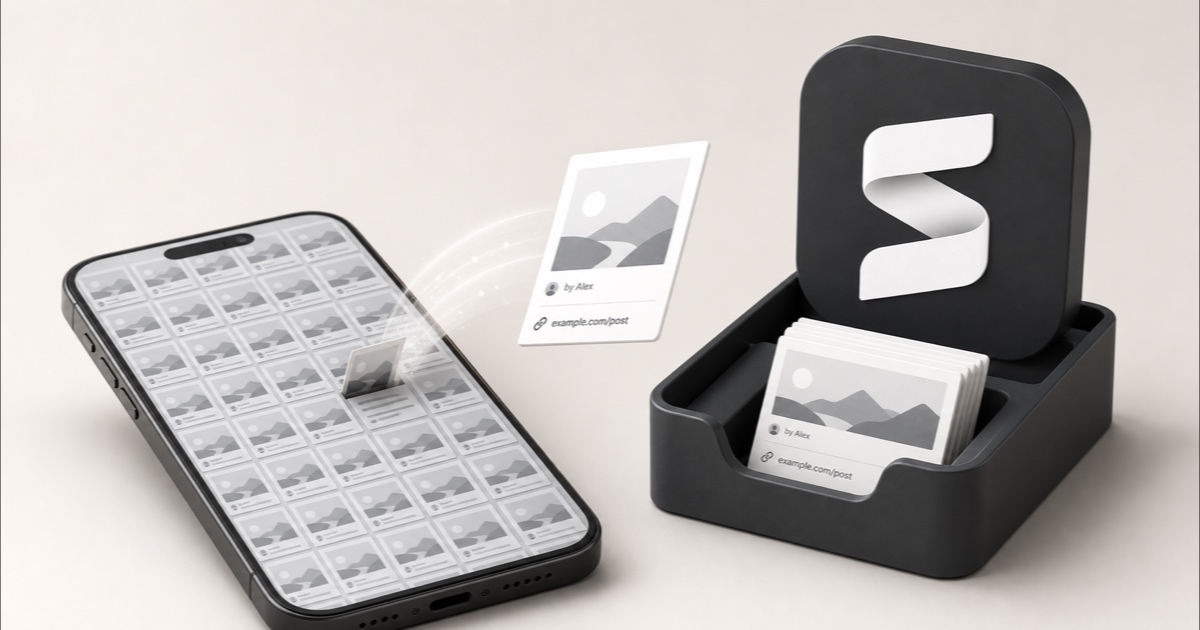
You saw something good, so you did the fastest thing available: side button plus volume up. Now it's in the camera roll, somewhere between a photo of your lunch and a picture of a parking spot. You will never see it again.
Screenshotting might be the most-used saving habit there is, and it barely works. Not because the file disappears (it doesn't) but because a screenshot keeps the pixels and throws away everything that made the post findable: the link, the author, the date, and the rest of the thread.
The quick answer: a screenshot is a picture of a save
A screenshot is a photograph of your own screen. It records the way the post looked at one moment, at one scroll position, in one app. Everything a post actually is (a thing with an author, a URL, a date, replies, and a body that keeps going below the fold) lives outside that rectangle.
That's why screenshotting feels productive and pays out so badly. You've done a save-shaped action, so your brain files the thing as "kept." What you've really made is an image with no way back to the source. Weeks later you find it, want to send it to someone, and realize you can't: you have the joke, but you don't have the tweet.
Screenshots do get one big thing right, and it's worth saying up front, because most articles about this skip it: the picture is yours. When the author deletes the post, your screenshot doesn't care. That's more than a native bookmark can say, and it's the reason people keep reaching for it.
What a screenshot quietly throws away
Everything below is gone the moment the shutter sound plays:
- The link. No URL means no going back to the source, no checking whether the claim held up, no sending it to anyone with attribution.
- The author. You usually catch a handle in the crop, but not who they are, and not a way to find their other work.
- The date. The screenshot's timestamp is when you saved it, not when the post was written. A three-year-old take and yesterday's look identical.
- The rest of it. A screenshot is one screenful. Threads, long captions, the reply that made the whole thing land: all cut off at the edge.
- The video. Screenshot a TikTok or a Reel and you keep a frozen frame of something whose entire point was that it moved.
- The machine-readable text. The words become pixels shaped like words, which matters more than it sounds. That's the next section.
The thread problem
Long-form posts are where screenshotting fails worst. To keep a ten-post thread you'd take ten screenshots, in order, and hope you can still tell the order months later. If that's the thing you're trying to save, see how to unroll a Twitter thread instead.
Yes, your phone can read screenshots. No, that doesn't mean you can find them.
This is the part people push back on, and fairly. Both phone platforms do run OCR over your library:
- iPhone: Live Text recognizes text in your photos and screenshots, and the system indexes it, so searching for words you can see in the image does turn it up. It needs an iPhone XS, XR, or later on iOS 15 or later, and Apple notes it isn't available in every language or region.
- Android: Google Photos has searched the text inside images since 2019, and it's especially good on screenshots, which are clean, high-contrast, and perfectly aligned.
So the words aren't lost. But read that carefully, because the gap is the whole problem: OCR finds the literal text that was visible in the frame. You get a search that works only if you remember the exact words that happened to be on screen.
That's almost never how memory works. You remember the gist: "that espresso thread," "the budgeting video," "the layout I liked." None of those phrases are printed in the screenshot. This is the same wall you hit with in-app saved lists, and it's why searching by meaning instead of keywords is the thing that actually closes the gap.
OCR also can't help you at all when the thing you screenshotted was mostly picture: a chart, an outfit, a room, a piece of design. The words weren't there to begin with.
The camera roll is not a library
Even with perfect search, you'd still be storing saves in the worst possible container. Your screenshots land in the same photo library as your holidays and your kid's birthday. On iPhone they at least get their own bucket (Photos → Albums → Screenshots, under Media Types), which is a filing cabinet with one drawer labeled "things I screenshotted," sorted by date.
That gives you three slow leaks:
- No topic, only time. The recipe you screenshotted in March sits a thousand scrolls deep, wedged between a receipt and a meme.
- Signal buried in noise. Screenshots of a post you loved sit next to screenshots of a QR code, a confirmation number, and a train time. They look identical in a grid.
- It quietly eats storage. Every screenshot is a full-resolution image of your screen. A post that's 40 words of text stops being 40 words and becomes a screen-sized picture, syncing to your cloud plan forever.
The pile is the point
If your camera roll has hundreds of screenshots you've never reopened, that's not a filing failure, it's digital hoarding: the save is doing emotional work (closing the loop, quieting the fear of losing it) rather than practical work. Any system you pick has to survive that honestly.
Screenshot vs native save vs a real copy
| Method | Keeps the whole post | Survives a delete | Keeps the link | Find it by topic |
|---|---|---|---|---|
| Screenshot | One screenful | Yes | No | Literal text only |
| Native save (Bookmarks, Favorites) | Yes | No | Yes | No |
| Copy to Notion / Obsidian | Yes | Yes | Yes | If you tagged it |
| Capture-first library (Stashr) | Yes | Yes | Yes | Yes |
The row that explains the whole habit is the first one: screenshots beat native bookmarks on the thing people fear most (the post vanishing) and lose on literally everything else. People aren't being irrational. They're picking the only option that survives a delete.
The third row is the manual version of the fix, and it genuinely works if you're willing to do the filing: saving posts to Notion or Obsidian as Markdown keeps the text, the author, and the link in something you own. The catch is in that last cell. It's only findable later if you remembered to tag it on the way in, every time, forever.
What to do instead
You don't have to stop screenshotting. You have to stop screenshotting as a filing system. A few things that work:
- Split the two jobs. Screenshots are great for the ephemeral (a train time, a QR code, proof of a transaction). They're bad for anything you want to find later on purpose. Notice which one you're doing before you press the buttons.
- Save the post, not the picture of it. Use the platform's own save button as the trigger, so you keep the link and the author, and pair it with something that keeps a copy (see below), so the delete can't take it.
- Give saves their own home. Anywhere that isn't the camera roll. The point is a container where everything in it is something you chose to keep, so the signal-to-noise ratio starts out at 100%.
- Do one cleanup pass. Sort the existing pile once, keep the handful that matter, delete the rest. Our guide to cleaning up your bookmarks works just as well on a camera roll.
The reason this is annoying is that the two useful properties (a real copy that survives deletion, and real searchability) have never lived in the same tool. Screenshots give you the first. Native bookmarks give you a weak version of the second. That gap is exactly what Stashr was built to close: its extension watches for saves on the platforms you already use, and the moment you tap save it mirrors the whole post (text, author, link, media, and context) into a private library, then auto-tags it so you can search it the way you actually remember it.
Already sitting on a pile?
You don't need an account to start digging out. Our free tools can turn a tweet into clean text, convert a Reddit thread to Markdown, or untangle a messy bookmarks file. No signup.
Common questions
Is screenshotting a post better than bookmarking it?
For surviving a deletion, yes: the image is yours and the author can't take it back. For everything else, no. You lose the link, the author, the date, and the rest of the thread, and you can only find it again by scrolling. The real answer is to stop choosing between the two and keep a copy that has the link attached.
Can I search my screenshots?
Partly. iPhone and Android both read the text inside your images, so searching for words that were visible on screen usually works. What neither can do is find a screenshot by what it was about, which is what you'll actually remember months later. Image-only screenshots (charts, outfits, designs) have no text to match at all.
Do screenshots take up a lot of storage?
More than you'd guess. Each one is a full-resolution capture of your display, so a post that would be a couple of kilobytes as text is stored as a screen-sized image instead, multiplied by every screenshot you've ever taken and synced to your cloud storage.
How do I stop my camera roll filling with screenshots?
Give the saves somewhere else to go. Most screenshots of posts exist because the platform's own save button felt useless (unsearchable, and vulnerable to the post being deleted). Fix that, and the reflex fades on its own. Then run one cleanup pass on the backlog.
What should I do with the screenshots I already have?
Triage once, quickly. Most are dead weight: expired train times, old confirmation codes. Keep the ones you'd genuinely be sad to lose, and for the ones where you can still identify the source, go find the original post and save it properly so you get the link and the context back.
Keep the post, not a picture of it.
Stashr copies every save across every platform the moment you tap it. Full content, link and author intact, auto-tagged, findable in plain English.
14-day free trial · No credit card required · Cancel anytime