Digital hoarding: why you save hundreds of things and never open them again
Digital hoarding is why you save endless posts, tabs, and links you never open again. Here's what it is, the signs, why it happens, and how to fix the real problem.
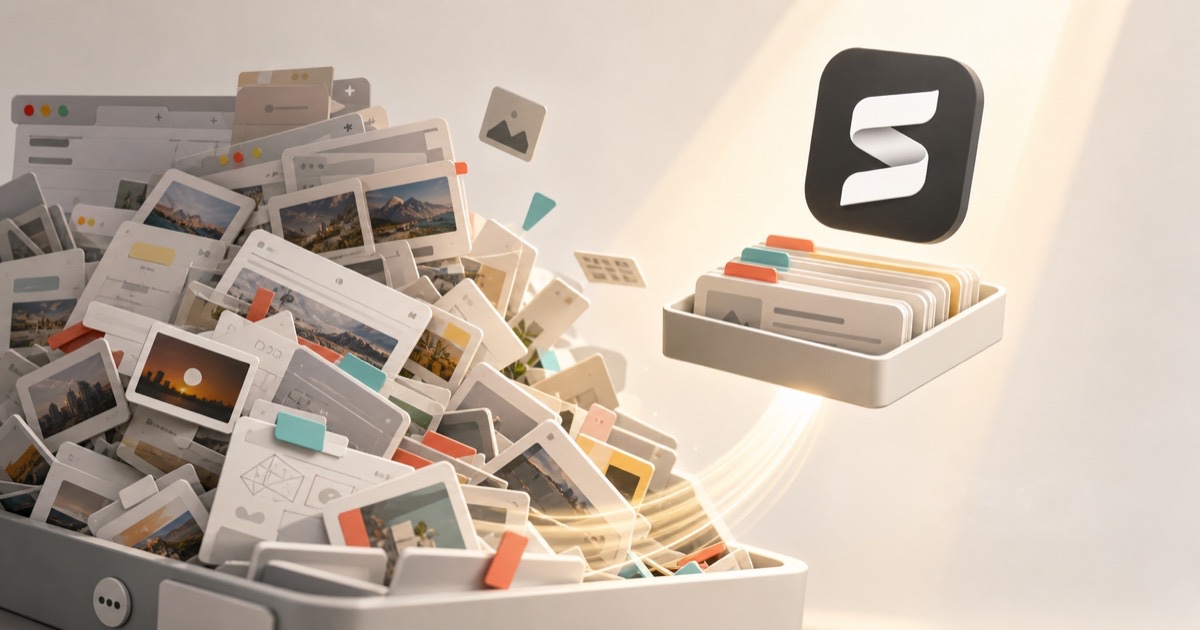
You have 400 saved posts. Forty browser tabs you can't close. A folder of screenshots you'll "sort later," a Notes app full of half-links, and a bookmark bar three levels deep. You save constantly, and you open almost none of it. If that stings a little, you're not lazy or disorganized. You're doing a very normal thing that every app is quietly designed to encourage.
It's called digital hoarding, and the reason it feels impossible to beat is that everyone treats it as a discipline problem when it's really a search and retrieval problem. Here's what it actually is, why you do it, and how to fix the part that's actually broken.
What is digital hoarding?
Digital hoarding (sometimes called data hoarding or digital clutter) is the habit of accumulating digital content, saved posts, bookmarks, screenshots, open tabs, files, and links, far faster than you ever review or use it. The saved pile grows without limit, you feel anxious about deleting any of it, and you rarely go back to the things you kept.
It's the digital cousin of physical hoarding, minus the physical cost. A drawer of paper fills up and forces a reckoning. A saved-posts list has no bottom, no weight, and no visible mess, so nothing ever forces you to deal with it. The clutter is real, it's just invisible.
The signs you're a digital hoarder
You don't need all of these. One or two is enough to recognize the pattern:
- You save things you know, on some level, you'll never come back to.
- You have more than a handful of open tabs "so you don't lose them," and closing one feels risky.
- You re-save or re-Google something because finding your original save was harder than starting over.
- Your saved lists are sorted by when you saved, never by what it was about.
- You feel a small hit of accomplishment when you tap save, then never think about it again.
- You have the same article bookmarked in three places and can't find it in any of them.
That last one is the tell. The problem was never that you saved too little. It's that saving stopped meaning anything.
Why you keep saving things you never open
Saving is satisfying for reasons that have nothing to do with actually using what you saved:
- Saving feels like doing. Tapping save gives you the small reward of "handled it" without the work of reading, watching, or acting. It's productivity-flavored procrastination, and it feels great in the moment.
- It's a hedge against loss. The feed is infinite and moves fast, so saving is insurance: I might need this, better keep it. The cost of saving is basically zero, so the brain says yes to everything.
- The friction is all on one side. Saving takes one tap. Finding takes scrolling a silo with no search. When keeping is effortless and retrieving is painful, you keep far more than you'll ever retrieve.
- It's an identity purchase. Saving a dense essay or a workout plan feels like becoming the kind of person who reads dense essays and works out. The save is the aspiration; the content is optional.
None of this is a character flaw. Every one of these buttons was designed to be easy to press, and none of the apps behind them owe you a way back in.
The real problem isn't saving. It's finding.
Here's the reframe that changes everything. Digital hoarding feels like a keeping problem, so every piece of advice tells you to keep less: delete ruthlessly, adopt inbox zero for your bookmarks, do a monthly purge. That advice mostly fails, because the instinct to save is doing its job. The thing that's broken is on the other end.
A save is only worth what you can retrieve
If finding something you saved is harder than finding it again from scratch, your saves are worthless by definition, and some part of you knows it. That's why deleting them feels both pointless and stressful at the same time.
Think about why the pile feels unmanageable:
- It's scattered across silos. One save is in X, the next in Instagram, the next in a browser folder, the next in your camera roll. There's no single place that holds all of them, so "search your saves" isn't even an option.
- None of it is searchable by topic. In-app saved lists don't index the text of a post. You remember the gist ("that budgeting thread," "the recipe with the crispy edges") but the list only knows the date, so you scroll and hope.
- Half of it is already dead. A saved bookmark is just a pointer. When the author deletes the post or the link rots, your save silently breaks. Now the pile isn't just unsearchable, it's untrustworthy too. (More on that in link rot.)
Stack those together and the behavior makes perfect sense: retrieval costs more than re-saving, so you re-save, and the pile grows. It's a broken system, not a broken you.
Hoarding vs. an actual library
The difference between a hoard and a library isn't how much is in it. It's whether you can get things out.
| A digital hoard | An actual library | |
|---|---|---|
| Everything in one place | No | Yes |
| Searchable by what it's about | No | Yes |
| Survives the original being deleted | No | Yes |
| Deleting feels safe | No | Yes |
| A save is worth something later | No | Yes |
A hoard is a pile you add to and never take from. A library is the same pile made retrievable. You don't need to save less. You need the second column.
How to fix digital hoarding (without a purge weekend)
You can absolutely do this by hand, and for a one-time cleanup it's worth it. Then make new saves land somewhere retrievable so the pile stops re-forming.
1. Stop treating "save" as the finish line
Before you save the next thing, ask one question: when would I ever come looking for this, and how would I search for it? If you can't answer, saving it is just tidying your anxiety, not keeping anything. Read it now, or let it go.
2. Do one honest cleanup pass
Pull your existing saves into the open and thin them out once. Our free bookmarks HTML converter turns a messy browser export into a plain list you can actually skim, the duplicate bookmark finder surfaces the same link saved five times, and the dead link checker flags the ones that already 404 so you can delete them guilt-free. A structured system for what survives is in how to organize your bookmarks.
3. Make new saves searchable, automatically
This is the part that actually breaks the cycle. The reason your pile is a hoard and not a library is that nothing indexes it. Fix that, and saving becomes worth doing again.
That's the whole idea behind Stashr. Its browser extension watches for saves across the platforms you already use, and the moment you tap save on X, Reddit, Instagram, or TikTok, it copies the full post into one private library of your own. Because every save is a real copy and gets AI-tagged on the way in, you can search it the way you actually remember things:
The point isn't to save less
Digital hoarding only hurts because retrieval is broken. Fix retrieval and the same saving habit turns from a liability into an actual asset: a searchable record of everything you've ever found worth keeping.
Common questions
Is digital hoarding a real problem or just clutter?
For most people it's low-stakes clutter, not a clinical condition. But it has a real cost: mental overhead from the pile, decisions you never make because the research is buried, and the quiet stress of a hundred tabs you're afraid to close. You don't need a diagnosis to want it fixed.
Why can't I just delete everything and start over?
You can, and a clean sweep feels great for a week. But the habit is untouched, so the pile rebuilds. Deleting treats the symptom (too much saved) instead of the cause (nothing saved is findable). Change where saves land and the reset actually holds.
Is it better to save less or organize more?
Neither, on their own. Saving less fights an instinct that's mostly doing its job, and manually organizing more is a chore you'll abandon by week three. The durable fix is automatic: capture saves into one searchable place so organizing happens for you.
What's the difference between a bookmark and a saved copy?
A bookmark is a pointer to content that still lives on someone else's server, so it breaks when the original is deleted or the link rots. A saved copy is the actual content stored independently, so it survives no matter what happens to the source. Piles of bookmarks rot; a library of copies doesn't.
Turn the hoard into a library.
Stashr captures every save across every platform the moment you tap it, then makes the whole pile searchable in plain English. Save all you want, and actually find it later.
14-day free trial · No credit card required · Cancel anytime