Save any page
Right-click, and the whole article is yours
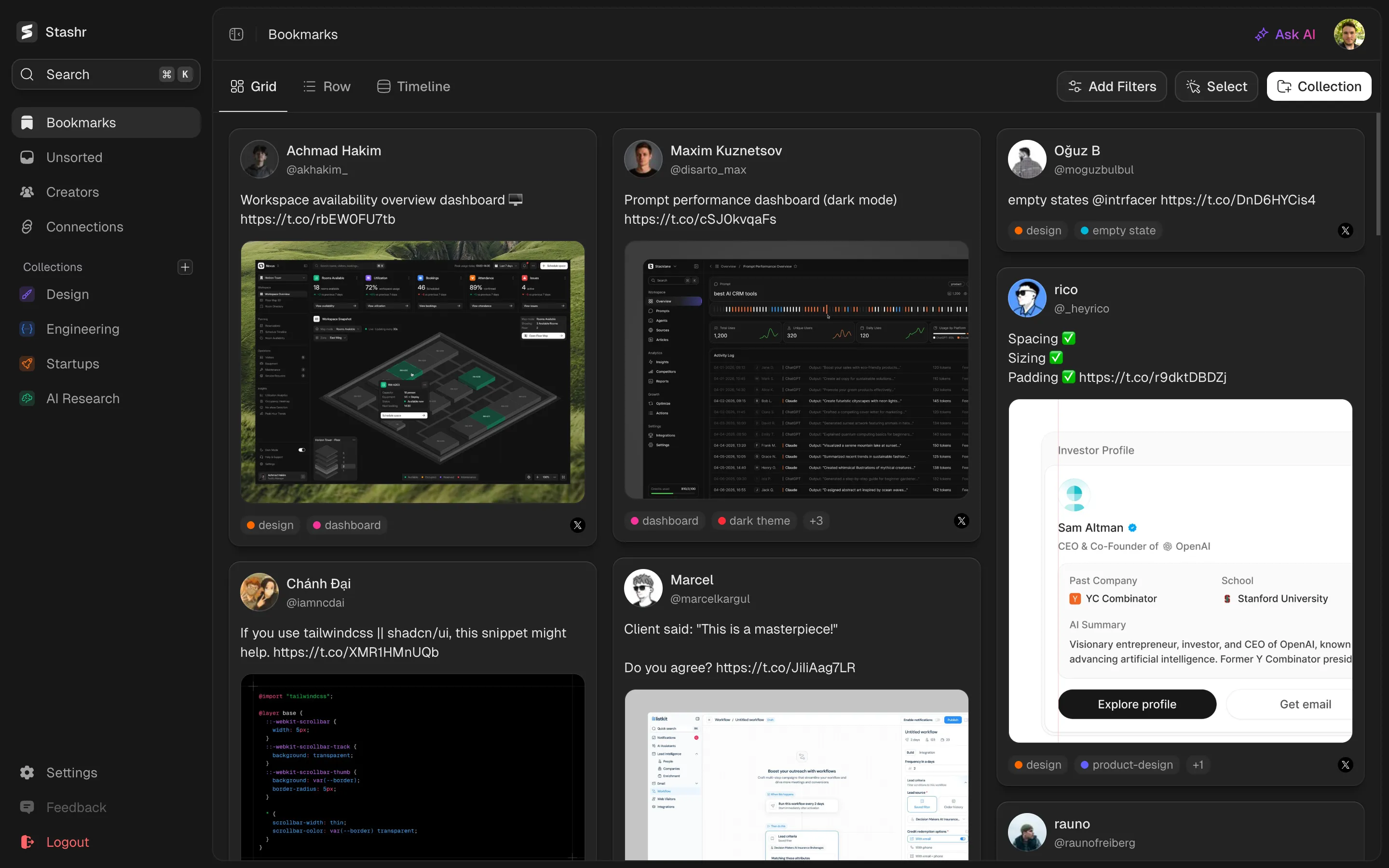
Save any page on the web with one right-click. Stashr keeps the readable article, its images, and who wrote it, tagged and searchable next to everything else you save.
 Add to Chrome
Free browser extension for Chrome, Edge, Brave, Arc, Opera, and Firefox.
Preview coming soon
What it does
Not everything worth keeping lives on a social platform. A blog post, a docs page, a recipe, a long read. Right-click anywhere on the page, choose Save page to Stashr, and the extension pulls out the readable article, the way a reader view would, and files it in your library.
Your copy keeps the structure, not just the text: headings, lists, quotes, code blocks, tables, and the images in the article, plus the site name, author, and publish date. It gets the same AI tags and plain-English search as every other save, so a page you clipped last year is as easy to find as a post you bookmarked this morning.
How it works
One right-click. Nothing to paste, nothing to fill in.
1. Right-click the page
On any article, right-click and choose Save page to Stashr. The first time, Chrome asks once for site access so Stashr can grab the cover image.
2. Stashr reads the article
The extension strips the navigation, ads, and sidebars, keeps the article itself with its formatting and images, and pulls the title, author, and cover.
3. It lands in your library
The page shows up as a card with its cover, site, byline, and read time, auto-tagged and searchable next to everything else you've saved.
Why people use it
Most tools save a link. A link is only useful while the page is still there and you still remember what it was.
The article, not the URL
Stashr keeps the readable body with its headings, lists, code, and tables. Open it in your library and read it there, without the pop-ups and cookie banners.
Findable by what it says
Because the full text is saved, search and AI tagging work on the content. Ask for "that post about Postgres connection pooling" and it comes up, even if you forgot the site.
One library for everything
Articles sit next to your X bookmarks, Reddit saves, GitHub stars, and TikToks. Same tags, same filters, same search across all of it.
No duplicates, no setup
Save the same page twice and Stashr updates the copy you already have. There's no reading list to manage and no form to fill in.
Common questions
More features
See also
Keep the article, not just the link
Install Stashr and any page you right-click is saved in full, tagged, and searchable with everything else you keep.
Starts with a 14-day free trial.