Bookmarks Wrapped
Drop your browser bookmarks export and get a Wrapped-style recap: your oldest save, busiest year, top sites, folders, and a shareable card. Free, no signup, runs entirely in your browser.
Drop your bookmarks.html export
Works with Chrome, Edge, Brave, Firefox, and Safari exports up to 8 MB. Everything runs in your browser, nothing gets uploaded.
Frequently asked questions
Exporting your bookmarks, what stays private, and how the stats are worked out.
Chrome and Brave: open the bookmark manager (Ctrl+Shift+O, or Cmd+Option+B on Mac), click the three-dot menu, and pick Export bookmarks. Edge: open Favorites, click the three-dot menu, and pick Export favorites. Firefox: open the Library (Ctrl+Shift+O, or Cmd+Shift+O on Mac), then Import and Backup, then Export Bookmarks to HTML. Safari: File, then Export, then Bookmarks.
No. The file is read and parsed in your browser, the stats are computed on your device, and the share card is drawn locally into a PNG. Nothing is sent to a server or saved. Refresh the page and it's gone.
Those stats need the date each bookmark was added. Chrome, Edge, Brave, and Firefox include it, but Safari exports usually don't. When fewer than half of your bookmarks have a date, the tool hides the date-based stats instead of guessing.
When you import bookmarks from another browser or set up sync on a new computer, many browsers stamp every imported bookmark with the same date. If a single day holds a big chunk of your saves, the tool points it out so you know that spike probably wasn't one very busy afternoon.
Each label is a simple rule over your own numbers. The Archivist means your oldest save is 10 or more years old. The Scroller means at least 30% of your saves come from social platforms. The Night Owl means at least 15% of your saves happened between midnight and 5am in your current time zone. You get up to two labels, with The Curator as the fallback.
Links to X (including old twitter.com links), Reddit, YouTube, Instagram, TikTok, Pinterest, LinkedIn, Facebook, Threads, Bluesky, Tumblr, and Hacker News.
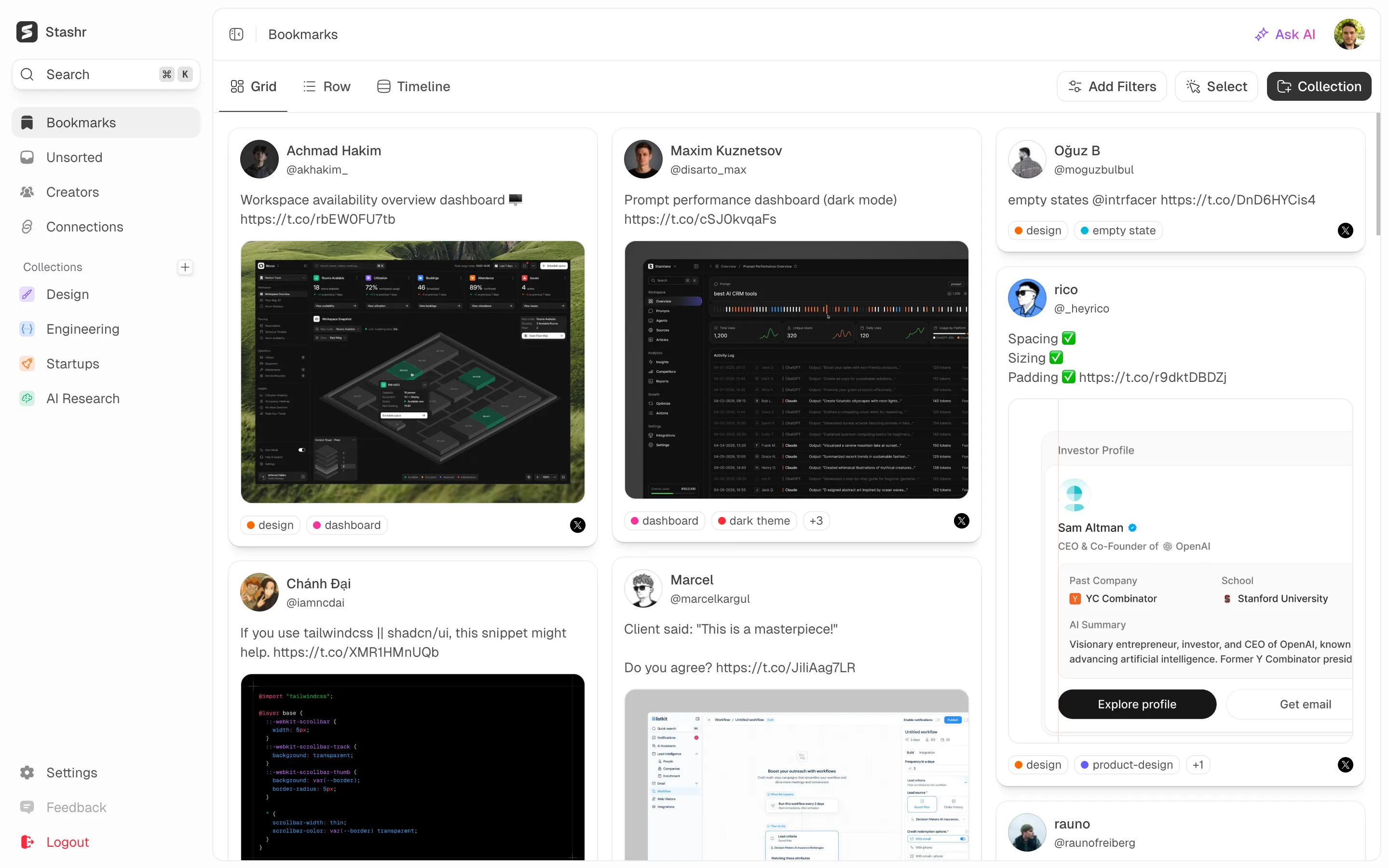
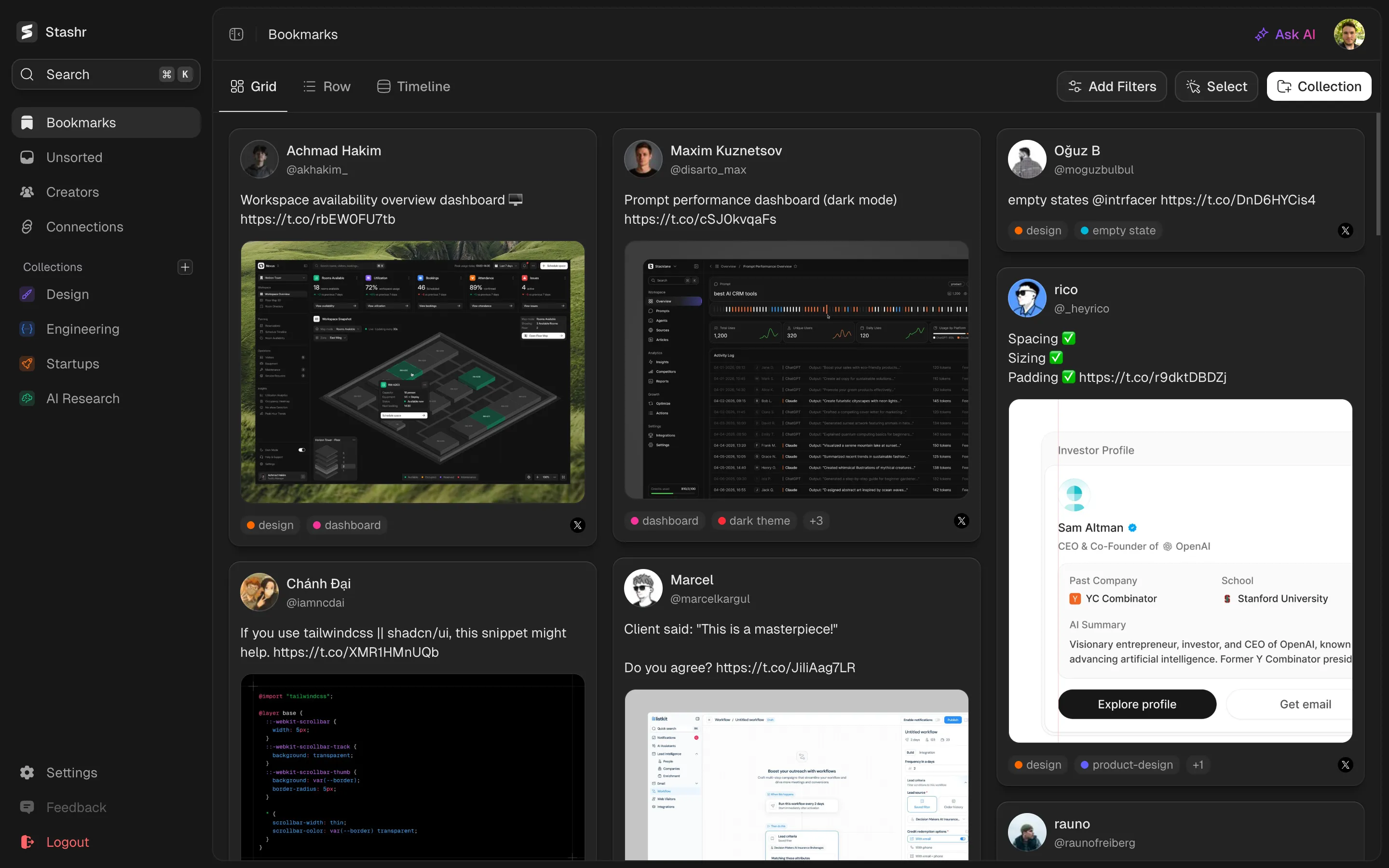
Try Stashr Pro
The full memory layer for everything you save online. Auto-captured, AI-tagged, and findable in plain English.
Get started for free
Starts with a 14-day free trial.