Instagram saved posts exporter
Turn your Instagram data export into a clean list of saved posts and collections, then download it as CSV, JSON, Markdown, or plain links. Free, no signup, and it runs in your browser.
Drop your Instagram data export
The whole .zip, or saved_posts.json and saved_collections.json from inside it. Read in your browser, nothing gets uploaded.
Don't have your export yet?
- In Instagram, open Accounts Center, then Your information and permissions, then Export your information.
- Create an export to your device. If you can choose what to include, pick just Saved for a smaller download.
- Set the date range to All time and the format to JSON, then download the .zip when Meta emails you.
Frequently asked questions
Getting your Instagram export, what's in it, and how the tool reads it.
In Instagram, open Accounts Center, then Your information and permissions, then Export your information. Create an export to your device, set the date range to All time and the format to JSON, and start it. Meta emails you when the .zip is ready, which is often under an hour. If you can pick which information to include, choosing just Saved makes the download much smaller.
JSON. This tool reads both, but the HTML export only gives back saved post links and dates, and your collections only come through in the JSON version. If you already have an HTML export, drop saved_posts.html in to get the list.
No. For saved posts, Instagram's export only lists the link, the account, and when you saved it. Recent exports also include the caption. The photos and videos stay on Instagram, so a saved link stops working once the post is deleted or the account goes private.
No. Everything runs in your browser. For a .zip, the tool reads the archive's index and only opens the saved posts and collections files inside it, so even a multi-gigabyte export with all your media works without uploading or loading the whole thing.
Meta's export stores accents and emoji as raw UTF-8 bytes, so a lot of viewers show café instead of café, or a jumble of symbols instead of an emoji. This tool repairs usernames, captions, and collection names as it reads them.
Both the current layout, where saved_posts.json is a list of posts with URL, caption, and owner fields, and the older one with saved_saved_media and saved_saved_collections. You can drop the whole .zip or the JSON files from your_instagram_activity/saved.
Try Stashr Pro
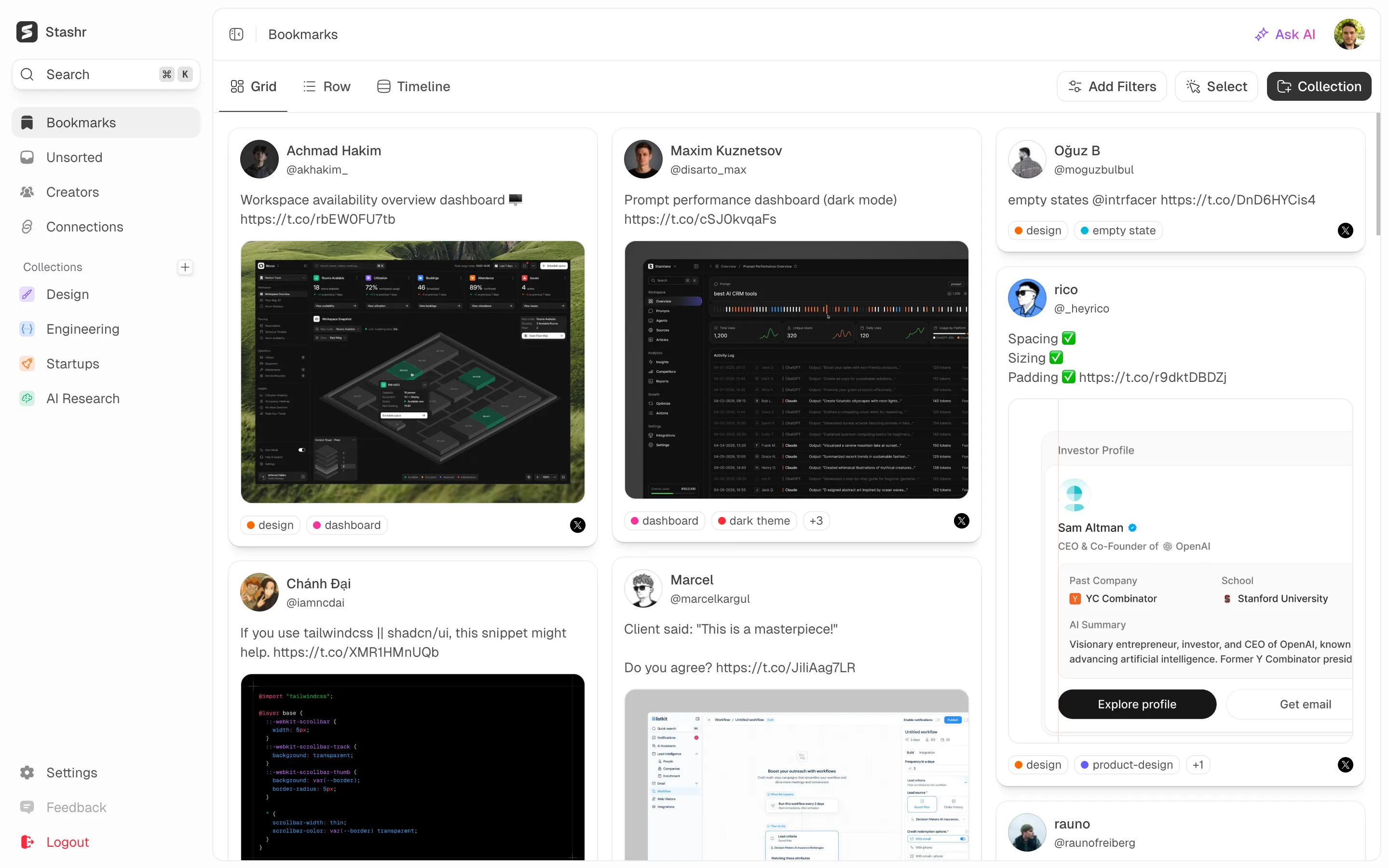
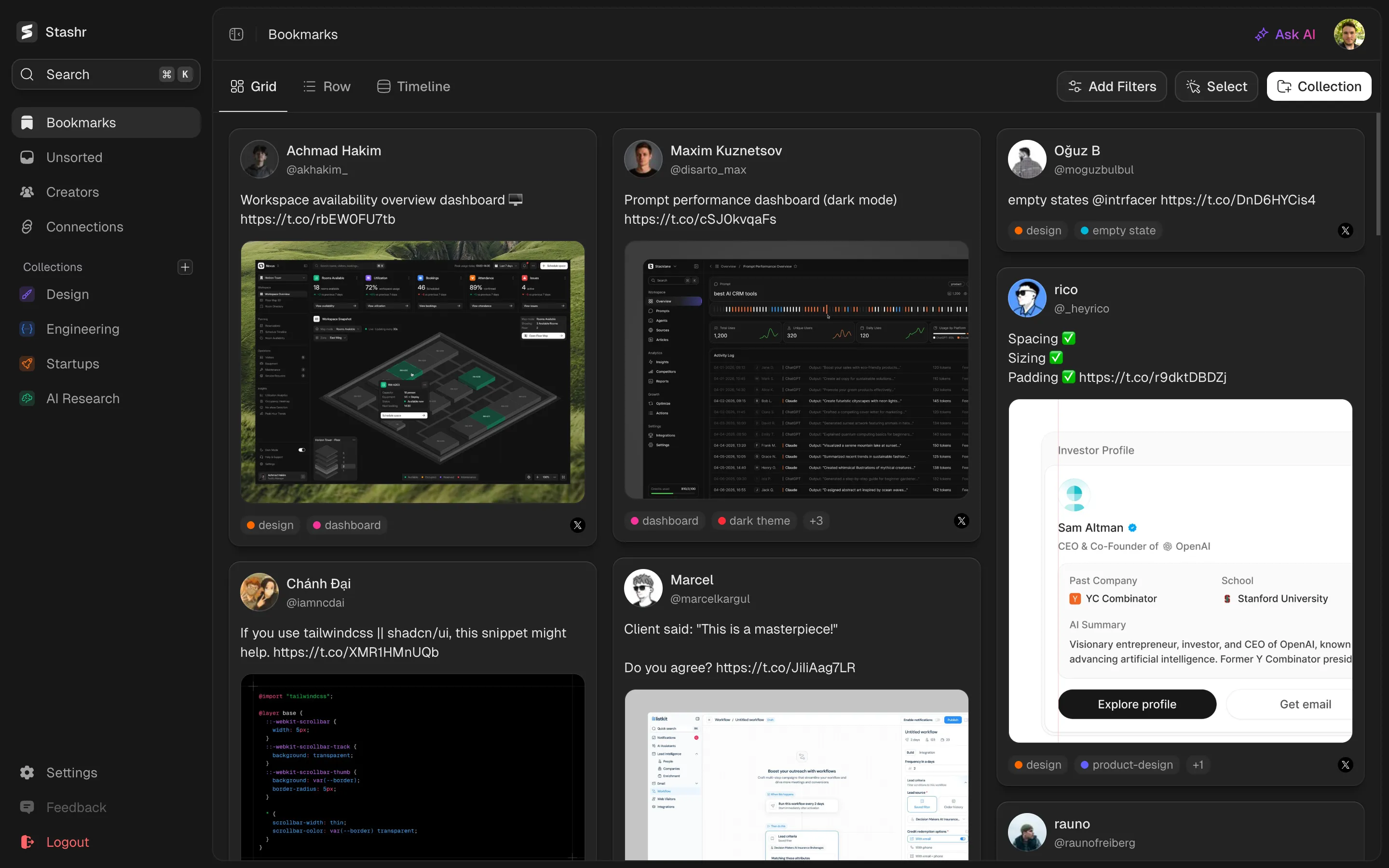
The full memory layer for everything you save online. Auto-captured, AI-tagged, and findable in plain English.
Get started for free
Starts with a 14-day free trial.