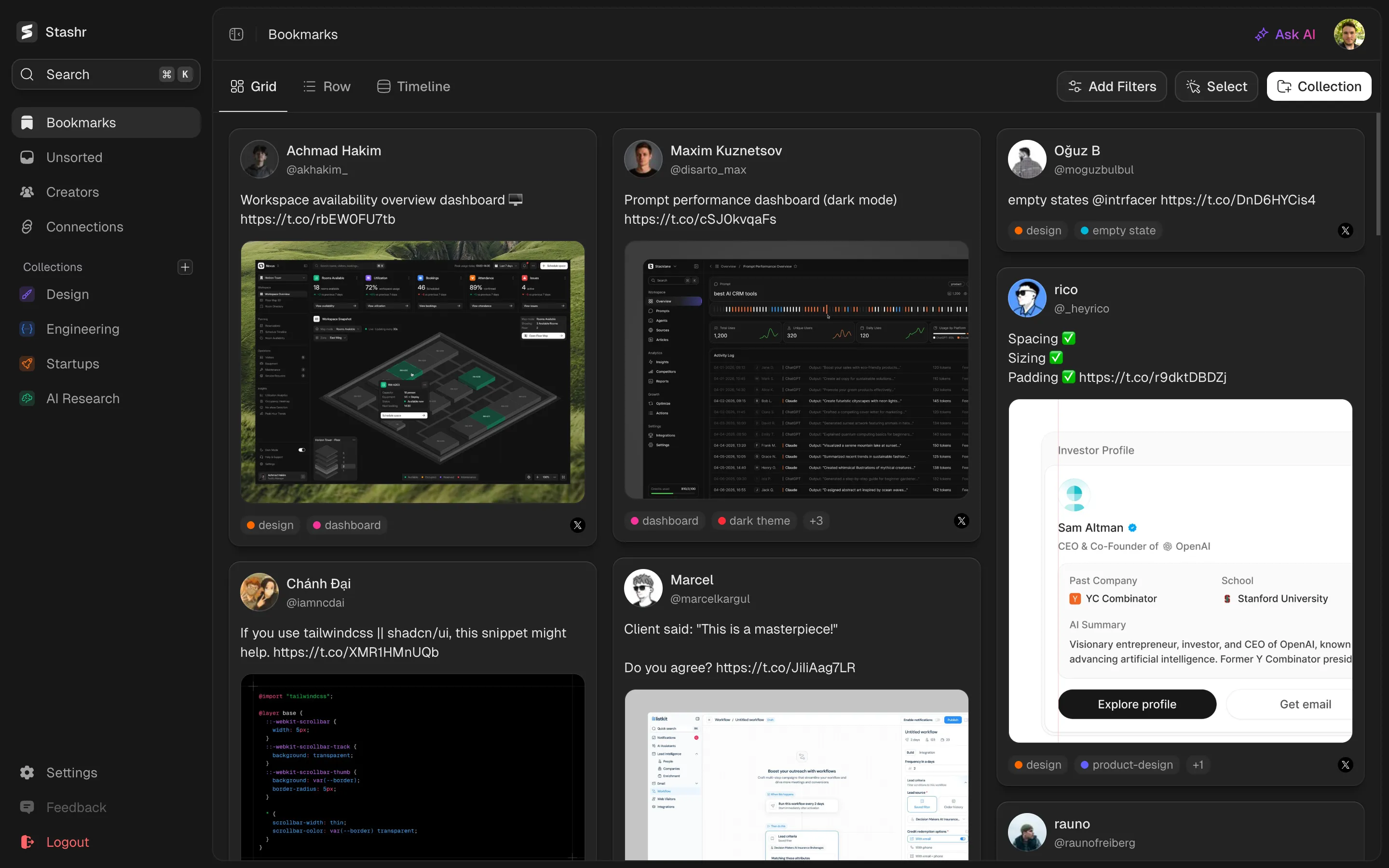
Mosaic view
Your whole library, as one image wall
Flip your saves into a mosaic of every image and video cover you've kept, one tile per picture, and find things by sight instead of by title.
Free browser extension for Chrome, Edge, Brave, Arc, and Opera.
What it does
A lot of what you save isn't really about the words. A TikTok is its cover, an Instagram post is the image, a saved design is the screenshot. In a normal list view, those all collapse into rows of text, and the thing that would actually jog your memory, the picture, sits hidden a click away.
Mosaic is a view on your library, right next to grid, row, and timeline. Flip it on and your saves turn into a wall of pictures: every image from every post, one tile each, so a four-photo thread shows all four. Video saves appear as their covers with a play badge. Click a tile to see the image full-screen, or jump from any tile straight back to the full post. It's built on the copies Stashr already archives, so the wall doesn't rot when originals disappear.
How it works
1. Flip the view
Switch your library to Mosaic from the view toggle, the same place you pick grid, row, or timeline. Text-only saves step aside; everything visual fills the wall.
2. Narrow it like always
Your tags, platforms, authors, collections, and search all still apply, so the wall can be everything you've ever saved or just one corner of it.
3. Click through
Click a photo to view it full-screen and flick through the rest of its post. Every tile also links back to the full save, text, tags, and all.
Why people use it
When the picture is the point, the picture should come first. Here's what the mosaic is good for.
Scan by sight
Find a save by recognizing it, not by reading a title. For anything visual, the image is the fastest way back to it, and the mosaic puts the image first.
A moodboard from your own saves
Lay your saved designs, screenshots, and covers out as a wall you can browse, the way you'd flip through a moodboard. Built from the media Stashr already archives, with nothing extra to set up.
Every picture, not one per post
Posts unfold into all of their images, so a ten-photo Reddit gallery gives you ten tiles, not one thumbnail hiding nine more. Video saves join the wall as covers, marked with a play badge.
Your wall, your density
Filters and search shape what's on the wall, and a column setting from 3 up to 7 controls how dense it gets. From any tile, the full post is one click away.
Common questions
More features
See also
See everything you've saved
Flip your library into a wall of every image you've ever bookmarked, and find things the way you remember them.
Starts with a 14-day free trial.