What's new in Stashr: the public beta roundup
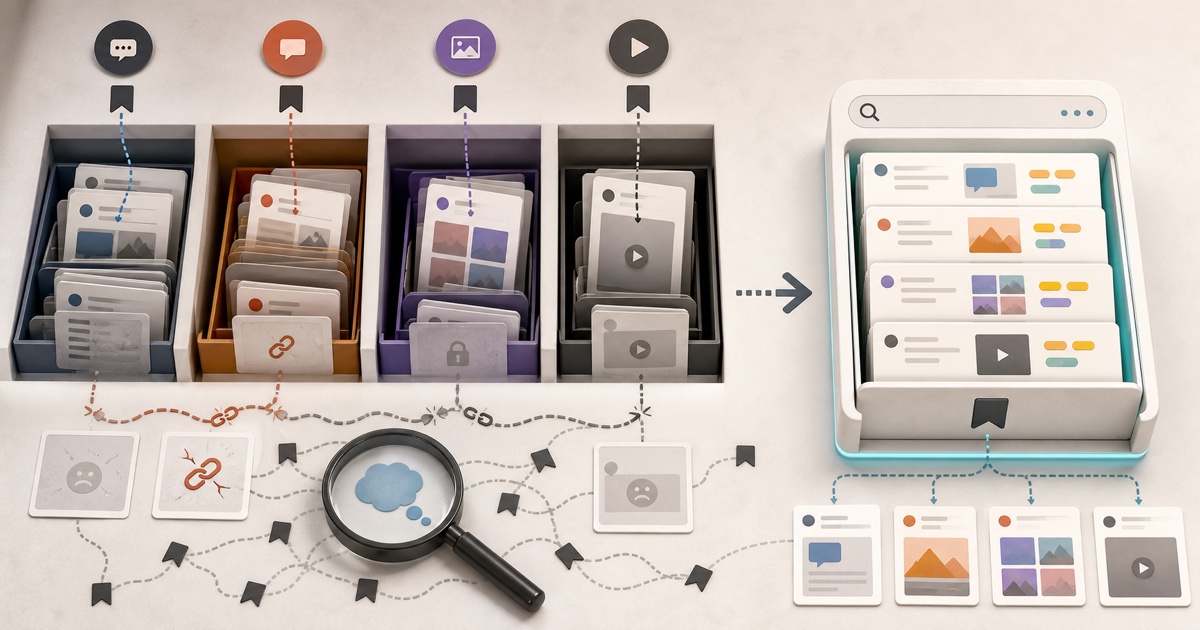
Stashr is in public beta, and the library got a lot bigger. Mosaic view, web clips, higher-fidelity capture, favorites, bulk tagging, and a new Connections page. Here's everything that shipped and why it matters.

Stashr is in public beta, which means anyone can sign up and start keeping every save. It also means the last few weeks were the busiest stretch of building yet. The library grew a whole new way to browse it, capture got sharper on the platforms people save from most, and organizing a big pile of saves got a lot faster.
Here's everything worth knowing, and why each piece matters if you're using Stashr to stop losing the things you save.
The short version of what shipped
If you just want the headline list:
- Mosaic view: a masonry wall of every image and video you've saved.
- Web clips: right-click to save any image or highlighted text, on any page.
- Sharper capture on X: quote tweets keep their inner post and its media, and polls are frozen exactly as they looked when you saved them.
- Favorites: star the saves you care about and filter down to just those.
- Bulk tagging: select a stack of saves and tag them all at once.
- Connections page: see what each platform has captured, flip capture on or off, and pull in your back catalog.
The rest of this post walks through the ones you'll feel day to day.
Mosaic view: browse your library as a wall
Until now, your saves lived as cards in a grid, a row list, or a timeline. That's great for reading, but a lot of what people save is visual: a TikTok you liked, an Instagram reference shot, a diagram from a tweet. Reading a caption to find it is the wrong sense.
Mosaic is a fourth view that flattens your library into a masonry wall of every image and video, one tile per piece of media. A post with four photos shows up as four tiles. Video saves get a poster frame with a play badge. Tap an image and it opens full-screen in a carousel you can arrow through; tap a video tile and it takes you back to the source.
Mosaic is media-only by design
Because it's a wall of pictures, Mosaic only shows saves that actually have an image or video. Text-only bookmarks (a quote tweet with no media, a saved comment) still live in the grid, row, and timeline views.
It's the fastest way to rediscover something you remember seeing but not reading. You know the look of it before you can name it, and now the library is laid out for exactly that.
Web clips: save anything, not just social posts
Stashr started as a way to mirror your saves from X, Reddit, Instagram, and TikTok. Web clips open it up to the rest of the internet.
Right-click any image on any page and choose Save image to Stashr, or
highlight some text and choose Save selection to Stashr. It lands in your
library as a normal, searchable, taggable bookmark, tagged to a platform-agnostic
web source instead of a specific app.
Image clips are real copies, not links
When you save an image, Stashr fetches the actual bytes and archives them the moment you click, up to 20 MB. It's a copy, not a hotlink, so it survives the original page going down. That's the same capture-first approach the whole app is built on, now pointed at the open web.
Recipes on a blog, a chart in an article, a paragraph you want to keep: all of it can go in the same place as your saved posts now, instead of a screenshots folder you'll never open again. (If you're drowning in one of those already, that's a whole separate problem.)
Sharper capture on X
A save is only worth keeping if it's a faithful copy. Two common kinds of tweet used to lose detail on the way in, and both are fixed.
Quote tweets now come through as a nested embed: the outer post and the quoted post inside it, with the quoted post's images archived too. When the original quote-tweet chain gets deleted, you still have both halves and both sets of media, not a broken reference to a reference.
Polls are captured as a real poll block, frozen exactly as they stood when you saved them, with each option and the result. Since a saved poll can't keep updating, Stashr snapshots it and labels it clearly as final or still open, so you're never looking at stale live numbers pretending to be current.
Why capture-first matters here
Native bookmarks on every platform are just pointers. The second the author deletes the tweet, your saved copy resolves to nothing. Archiving the full structure (quote, poll, media) is what lets a save outlive the post. More on that in where your saved posts actually go.
Favorites and bulk tagging: organizing at speed
Two features that make a big library manageable.
Favorites add a star to any save. Star the ones you actually want to come back to, then flip on the Favorites filter to see only those. It's the lightweight shortlist that sits on top of tags and collections.
Bulk tagging is for when you're catching up on a backlog. Select a stack of saves, open the tag menu, and apply or remove a tag across all of them at once. The checkboxes are tri-state, so you can see at a glance whether a tag is on all, some, or none of your selection, and you can spin up a new tag inline without leaving the flow.
Prefer to never tag by hand?
On a Pro plan (and during your trial), Stashr auto-tags every save as it comes in, so most of your library files itself. Bulk tagging is there for the cleanup passes and the edge cases. See how to organize bookmarks so you actually find them.
A new Connections page
The new Connections page is mission control for capture. Each platform gets a card showing how much it's saved for you, split into real-time captures versus imported ones, plus when it last grabbed something.
If you have the browser extension installed, the page talks to it live. You can toggle capture on or off per platform right from the card, and kick off a bulk import to pull in your existing saves, with a progress readout as it scans. X, Reddit, TikTok, and Instagram all support importing your back catalog; web clips are capture-as-you-go. YouTube, Pinterest, Bluesky, and Threads are on the roadmap and listed as coming soon.
Smaller touches worth knowing
- Image lightbox with carousel: click any image on a card to blow it up full-screen and arrow through the rest of the post's photos, with a thumbnail strip and a counter.
- Bookmark detail modal: open a save in a focused view without leaving your library.
- AI auto-tagging in onboarding: the welcome flow now lets you switch on auto-tagging (and add a custom tagging instruction) from the start, so your first saves file themselves.
Everything at a glance
| Feature | What it does | Where you'll notice it |
|---|---|---|
| Mosaic view | A masonry wall of every saved image and video | The view switcher in your library |
| Web clips | Save any image or text selection from any site | Right-click menu, anywhere on the web |
| Quote + poll capture | Faithful copies of quote tweets and polls | Saved tweets, automatically |
| Favorites | Star and filter your shortlist | Bookmark cards and filters |
| Bulk tagging | Tag many saves at once | The multi-select action bar |
| Connections | Per-platform stats, toggles, and import | The Connections page |
Try it during the beta
Everything above is live right now. The public beta is open, signup is free to start with a trial (no card required), and the browser extension does the capturing in the background while you use the apps you already use.
If you've been meaning to stop losing the things you save, this is a good moment to start: your library will only get richer as more of it lands in one searchable place.
Keep every save, then find it in plain English.
Stashr captures the full post the moment you save it, across every platform, and makes it searchable the way you actually remember it. Public beta is open.
14-day free trial · No credit card required · Cancel anytime