Shared links expire: how to keep a deck or PDF you were sent
DocSend, Google Drive, Dropbox, and WeTransfer links can expire or get revoked without warning. What to do when one dies, and how to keep a copy first.
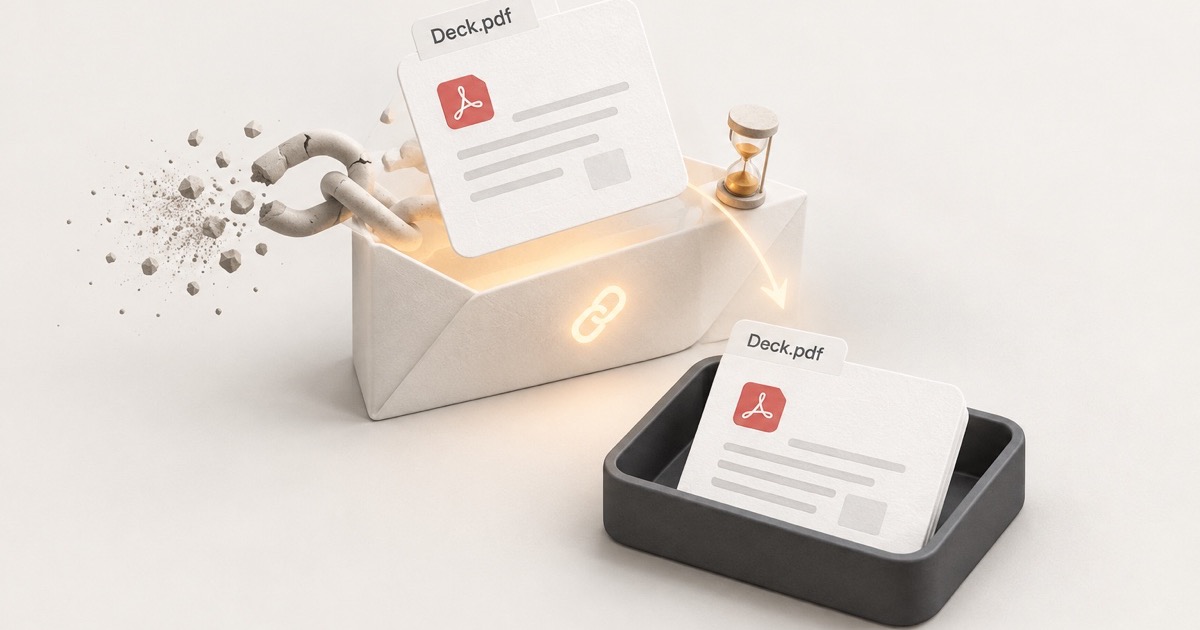
Someone sent you a deck, a contract, a report, or a PDF you'll want again. You opened it, skimmed it, and moved on, because the link was right there in your inbox. Three months later you click it and get "This link has expired," "You need access," or a login wall you can't get past. The email is fine. The document is gone.
That's not a glitch. Shared document links are built to expire. The sender can set a deadline, require your email, block downloads, or pull the link the day the deal closes, and most of the time you'll never be told.
How to keep a copy of a shared document
If a document link just arrived and you know you'll want it later:
- Open it now, not later. Every day you wait is a day closer to the expiry the sender may have set.
- Download the file if the viewer lets you. A copy on your disk can't be revoked. A link can.
- If downloads are turned off, ask for a copy. The sender chose that setting for a reason, so respect it and just ask.
- Save the context with it. Who sent it, when, why, and your notes. The file alone is not enough to find it in a year.
- Put it somewhere searchable, not a Downloads folder full of
deck (3).pdf.
The rest of this guide explains what each of those steps is protecting you from.
Why a shared document link is a bookmark with a timer
A normal bookmark dies when the page does, which is ordinary link rot. A shared document link is worse, because it's designed to stop working. Sending a deck through a sharing tool instead of as an attachment means the sender keeps control after you've received it.
Here's what the popular tools let a sender do, per their own help docs:
- DocSend (now Dropbox DocSend) lets the sender set an expiration, require your email, add a password, and turn downloads on or off, depending on their plan. Links can be deactivated or deleted later.
- Google Drive lets an owner remove your access, switch a link to Restricted, or stop viewers and commenters from downloading, printing, or copying. Google says expiration dates on a person's access are available for work and school accounts.
- Dropbox lets senders on its paid plans (Professional, Essentials, Standard, Advanced, Business, Business Plus, and Enterprise) set a link expiration date, add a password, and disable downloads. Links can also be disabled after sharing.
- WeTransfer keeps transfers on its Free and Starter plans online for up to 3 days. Only the Ultimate plan lets a sender keep a transfer active for as long as they'd like.
None of these are hidden features. They're the headline features. If you received a pitch deck through DocSend, the founder can close the door the moment the round is done.
How shared links die
Five ways it happens:
- The expiration date passes. The sender set it when they shared, and nothing reminds you.
- The sender revokes it. The deal closed, the candidate got hired, the vendor lost the contract. Access gets cleaned up and you're part of the cleanup.
- The file gets replaced. A sender can often swap in a new version, so the version you read may not be what the link shows now.
- The sender's account changes. They leave the company, their workspace gets deprovisioned, or they downgrade. WeTransfer, for example, deletes all active transfers 28 days after a paid plan is canceled or downgraded.
- The gate tightens. Email verification or a password gets turned on after you first opened it, and now your old browser session doesn't get you in.
What to do when a shared link has already died
DocSend link expired
Only the sender can fix this. They set an expiration, deactivated the link, or deleted it. Ask for a fresh link or a PDF.
Shared Google Drive link no longer works
The owner removed your access, switched the link to Restricted, let your temporary access expire, or deleted the file. If Drive offers a way to request access, use it. Otherwise, email the owner and ask them to reshare.
Dropbox link expired
Ask the sender. Dropbox says an expired link can be re-enabled by editing its expiration date, so they may not even need to send a new one.
WeTransfer link expired
Open the link and look for a recovery option. It only appears if the sender turned on Recoverable when sending, which needs an Ultimate, Teams, or Enterprise plan, and the window is up to one year for files under 256 MiB and up to 90 days for larger ones. With no option showing, the files are gone from WeTransfer, so ask the sender to send them again.
How to keep a copy while the link works
1. Download it while the link is live
If the viewer shows a download button, use it, today. A file on your disk can't be expired or revoked from the other end. Everything below is a fallback for when that isn't allowed.
- Best for: any document you have permission to download.
- Watch out: the download is a snapshot. If the sender updates the file behind the link later, your copy won't change. That's usually what you want, but note the date you saved it.
2. If downloads are off, ask
DocSend, Drive, and Dropbox can all block downloading. When that's the case, the sender made a choice, and you'll find no shortage of blog posts explaining how to get around it. Don't. A pitch deck, a contract, or a salary band shared with downloads disabled is confidential by design, and the workaround is a bad look at best and a legal problem at worst.
Instead, reply to the email and ask for a PDF. Say why you want it ("I'd like to keep this on file" is enough). If they say no, the answer is no, and your notes from step 4 are what you keep.
- Best for: anything shared through a gated viewer.
- Watch out: a reply-and-wait takes a day. Send the ask the moment you decide the document matters, not the day the link dies.
3. Print to PDF from a normal viewer
For a Drive or Dropbox preview that lets you view but hides the download button,
the browser's print dialog (Ctrl+P / Cmd+P) with Save as PDF often works
and gives you one flat, portable file. It won't work on viewers that render pages
as images and disable printing, and again, if the sender has locked the file
down, go back to step 2.
- Best for: plain documents in a normal web preview.
- Watch out: long documents can paginate badly, and you lose any interactive bits. Check the PDF before you assume it's complete.
4. Save the context, not just the file
A year from now, you won't remember the filename. You'll remember "that deck from the fintech founder in the spring." The file alone can't answer that search. The context can:
- Who sent it, and from which company
- When, and in what conversation
- What it was about, in your own words
- The original link, even if it's dead, so you can ask for a fresh one
The simplest version is to keep the email, and rename the file so it says who and
what (2026-04 Acme fintech seed deck.pdf). Put it in a folder that your cloud drive
can search, not a Downloads folder full of deck (3).pdf.
5. Should you use a web clipper or bookmark tool?
Only for the context, not the document. This includes Stashr, and it's worth being straight about the limits: Stashr doesn't store document files. Its web clips save web pages, images, and text you select, so your PDF still needs to live in your own storage.
On a sharing page, a page clip typically finds no article to read, so it keeps the page's title, description, and link rather than the document. A PDF open in your browser won't come through as a document either; at most you can clip text you select. If the sender blocked copying, leave it alone. If you do clip the link, you can add a private note with who sent it and why, but notes aren't part of search today, so it's a record rather than a way to find it. For anything you need to keep, the downloaded file is the real copy.
If you're trying to keep an ordinary web page, not a shared document, how to save a web page permanently compares your options.
Which links can be pulled out from under you?
| How it was shared | Can expire | Sender can revoke | Downloads can be blocked |
|---|---|---|---|
| DocSend link | Yes | Yes | Yes |
| Google Drive share | Work/school accounts | Yes | For viewers and commenters |
| Dropbox link | Paid plans | Yes | Paid plans |
| WeTransfer | Up to 3 days on Free and Starter | Yes | Not documented |
| Email attachment | No | No | No |
Read the last row. An attachment is the only one that's yours the moment it arrives. Everything above it is a pointer to a file that someone else can turn off. If you can choose, ask for the attachment.
Features and limits move
Everything above is current as of October 2026 and based on each vendor's own help pages. Sharing tools reprice, rename tiers, and shuffle features often, so confirm the details for whichever tool you're dealing with.
If you're the one sending
Everything above is the recipient's side. If you're the one sharing decks and contracts, expiring links are the right tool, not the villain. You want to know who opened what, pull access when a process ends, and keep a confidential file from being forwarded to the whole industry. DocSend made that category, but it's no longer the only option.
The best DocSend alternatives for sharing decks and deal files
- SendNow: a modern, secure DocSend alternative built for founders and teams sharing pitch decks, fundraising documents, and deal-room files. Page-by-page analytics and an email gate on every plan, with NDA gating, link expiry, and watermarks from Pro up. At the time of writing, Lite is $9 a month ($6.25 billed annually), Pro $17 ($9 annually), and Business $43 ($20 annually).
- Dropbox: not a deck-sharing tool, but if your team already pays for it, the paid plans give you link expiration, password protection, and download blocking, and you can disable a link after sharing. Dropbox's deck-tracking product is DocSend itself, sold separately.
- PandaDoc: e-signature first, document tracking second. Right if the deck is really a proposal or contract that needs a signature at the end. Per-seat pricing, with paid plans starting around $19 per user per month billed annually at the time of writing.
Two habits make life easier for the people on the other end, whichever tool you use:
- Tell them the link's lifespan. One line in the email ("this link works until the 30th") saves a "can you resend?" thread later.
- Decide up front whether they can keep it. If the answer is yes, turn downloads on. If it's no, say so, and they'll take notes instead of asking a week after you've moved on.
Common questions
Can I download a document from DocSend?
Only if the sender allowed it. When a download button is shown, use it. When it isn't, the right move is to ask them for a copy rather than working around the viewer.
How long does a WeTransfer link last?
Up to 3 days if the sender is on WeTransfer's Free or Starter plan. Senders on Ultimate can keep a transfer active as long as they like.
Can a Google Drive link expire?
Yes. Any owner can remove your access or restrict the link at any time, and Google says expiration dates on a person's access are available for work and school accounts. On those, the date can be up to a year out.
What's the safest way to keep a document someone shared with me?
Download it while the link works and save it with its context: who sent it, when, and what it was about. If the sender blocked downloads, ask for a copy.
Keep what you save on the web, too.
Your PDFs belong in your own storage. For web pages and the posts you save on X, Reddit, and more, Stashr keeps a searchable copy that outlasts the original.
14-day free trial · No credit card required · Cancel anytime