The best bookmark managers in 2026 (and the flaw they all share)
A fair roundup of the best bookmark managers in 2026: Raindrop, Pinboard, Mymind, Anybox, Linkding, Karakeep, and browser sync, with pricing, trade-offs, and the one gap they all leave open.
Your browser's bookmarks bar gave up years ago. It's a wall of favicons you never click, folders you never open, and links that half the time load a 404. So you go looking for a real bookmark manager, and there are dozens, each swearing it's the one that finally fixes the mess.
Most of them are genuinely good at tidying links. But nearly all of them share the same quiet flaw: they save a pointer to the page, not the page itself, and they ignore the saves you make inside social apps entirely. Here's an honest look at the best bookmark managers in 2026, what each one is actually for, and the gap you should account for before you commit.
The short answer
If you want a quick pick without reading the whole roundup:
- Best free and cross-platform: Raindrop.io. Generous free tier, works everywhere, clean UI.
- Best for lasting decades: Pinboard. Boring on purpose, cheap, still standing after everyone else pivoted.
- Best zero-effort AI: Mymind. You just dump things in; it tags and resurfaces them for you (paid only, no free tier).
- Best for control freaks: Linkding or Karakeep, both self-hosted and open source.
- Best you already have: your browser's built-in bookmarks, if all you need is a synced list of links.
The catch that applies to every option is further down, under the flaw they share. Read that before you pay for anything.
The best bookmark managers, one by one
Raindrop.io
The crowd favorite, and for good reason. Raindrop has a real free tier, apps on every platform, nested collections, tags, and a genuinely nice visual grid. The free plan covers most people. Pro (around $3/month billed annually) adds full-text search, duplicate detection, and permanent copies of saved pages.
- Best for: most people who want one polished, cross-platform home for links.
- Watch out for: permanent copies and full-text search are Pro-only, so the free tier is still just storing links.
See how Raindrop.io compares to Stashr.
Pinboard
The anti-startup. Pinboard is a fast, text-first, deliberately unfashionable bookmarking service that has outlived nearly every competitor by refusing to chase trends. The base plan is a low yearly fee; a higher archival tier caches a full copy of every page you save, which is the feature most managers charge extra for or skip entirely.
- Best for: people who want their bookmarks to still exist in ten years.
- Watch out for: the interface is spartan, and there's no hand-holding. This is a tool, not an experience.
See how Pinboard compares to Stashr.
Mymind
The opposite philosophy: no folders, no tagging chores, no organizing at all. You save anything (a link, an image, a note, a quote) and Mymind's AI tags it and surfaces it back when you search. It's the closest mainstream manager to "just throw it in and trust search later."
- Best for: visual thinkers and people who hate maintaining folders.
- Watch out for: it's paid only and one of the pricier options (the AI plan starts around $7/month, or $79/year), and full article backups that survive a deletion are reserved for the top tier.
See how Mymind compares to Stashr.
Anybox
A polished, native pick for the Apple crowd. Anybox lives on iPhone, iPad, and Mac with fast sharing, tags, and offline archiving (it can save a page as a web archive, PDF, or screenshot). There's a free tier capped at 50 links, and Pro is a low subscription or a one-time lifetime purchase rather than yet another recurring bill.
- Best for: all-Apple users who want something native and quiet.
- Watch out for: Apple-only, so it's a non-starter if you live on Windows or Android, and the free tier's 50-link cap is tight.
Linkding
Open source and self-hosted. Linkding is a lightweight, single-container bookmark service you run yourself, which means your data is genuinely yours and there's no subscription. It can archive snapshots of pages and imports a standard bookmarks file cleanly.
- Best for: developers and privacy-minded users who already self-host.
- Watch out for: you're the sysadmin now. If your server goes down, so do your bookmarks.
Karakeep (formerly Hoarder)
The AI-flavored self-hosted option. Karakeep saves links, notes, and images, auto-tags them with a local or hosted model, and stores a full archived copy of each page. Think "self-hosted Mymind" for people who want the smarts without handing data to a startup.
- Best for: technical users who want AI tagging and real archives on their own hardware.
- Watch out for: setup and upkeep are on you, and the AI features need a model key or local compute.
See how Karakeep compares to Stashr.
Your browser's built-in bookmarks
Free, already installed, and synced across your devices if you're signed in. For a lot of people this is genuinely enough: a starred list of links you revisit. It's just not a manager, so there's no real search, no archiving, and no rescue when a link rots.
- Best for: light savers who only need a synced list.
- Watch out for: it's the exact mess you're probably trying to escape. If it's already overflowing, back it up and move on.
Side by side
| Manager | Free tier | Saves a full copy | Cross-platform | Self-hosted |
|---|---|---|---|---|
| Raindrop.io | Yes | Pro only | Yes | No |
| Pinboard | No | Archival tier | Yes | No |
| Mymind | No | Top tier | Yes | No |
| Anybox | Yes | Yes | No | No |
| Linkding | Yes | Yes | Yes | Yes |
| Karakeep | Yes | Yes | Yes | Yes |
| Browser bookmarks | Yes | No | Yes | No |
| Stashr | 14-day trial | Yes | Yes | No |
Prices and tiers move
Plans and features here are current at the time of writing. Bookmarking tools pivot, get acquired, or shut down more often than you'd expect (just ask anyone who relied on Pocket), so check the current pricing before you commit and, either way, keep an export.
The flaw almost all of them share
Line the roundup up and two gaps repeat almost everywhere.
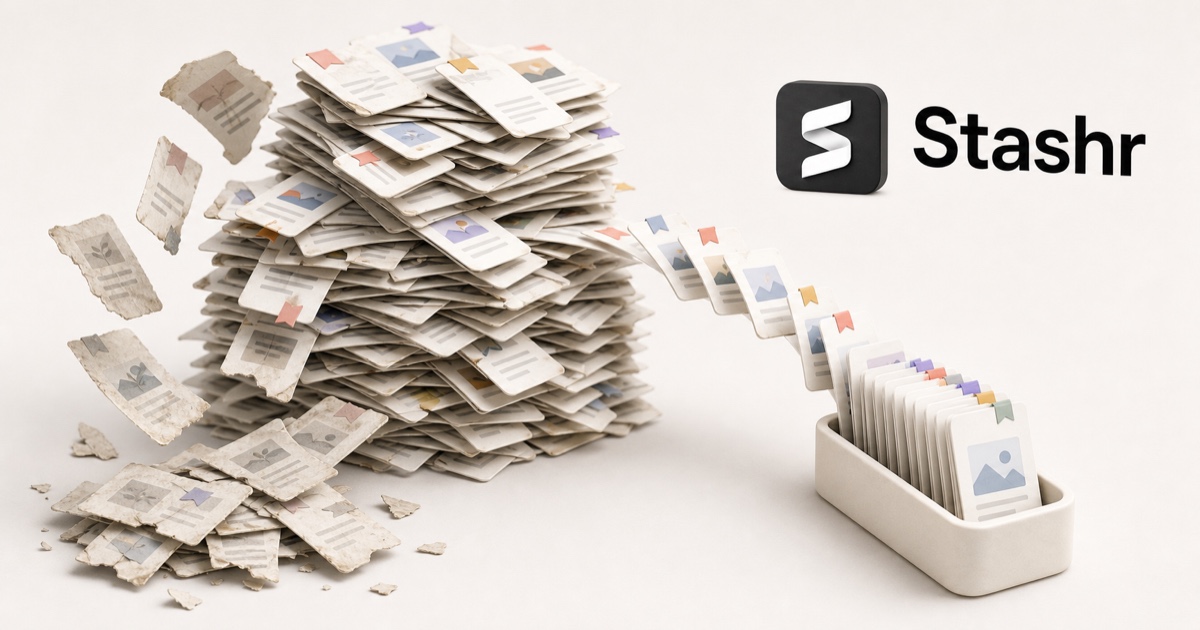
They save a link, not the thing. Most managers store a URL plus a title and maybe a thumbnail. When the page behind that URL is deleted, moved, paywalled, or simply rots, your bookmark quietly becomes a dead end. You don't find out until you click it, months later, when you finally need it. That's link rot, and it's the reason a folder of 2,000 "saved" links is worth a lot less than it looks. Real copies exist, but usually only on a paid or archival tier (Pinboard's cache, Raindrop Pro, Mymind's top plan, Anybox's web archive) or on the self-hosted pair (Linkding, Karakeep). Free tiers and your browser keep the link and nothing else.
They ignore where you actually save things now. Think about where your real saves live: tweets in X bookmarks, threads in Reddit saved, Reels in Instagram Collections, clips in TikTok Favorites. None of the managers above see any of that. A browser extension that clips web pages can't reach inside a social app's saved list, so your most-used save buttons pour into silos no bookmark manager can search.
An export is not a backup
Every good manager lets you export your bookmarks. But an export is a list of links, so it inherits link rot: restore it in a year and the dead ones are still dead. A backup only counts if it holds the actual content.
What "save a copy" changes
The fix for both gaps is the same idea: capture the content the moment you save it, instead of storing a pointer and hoping the original sticks around.
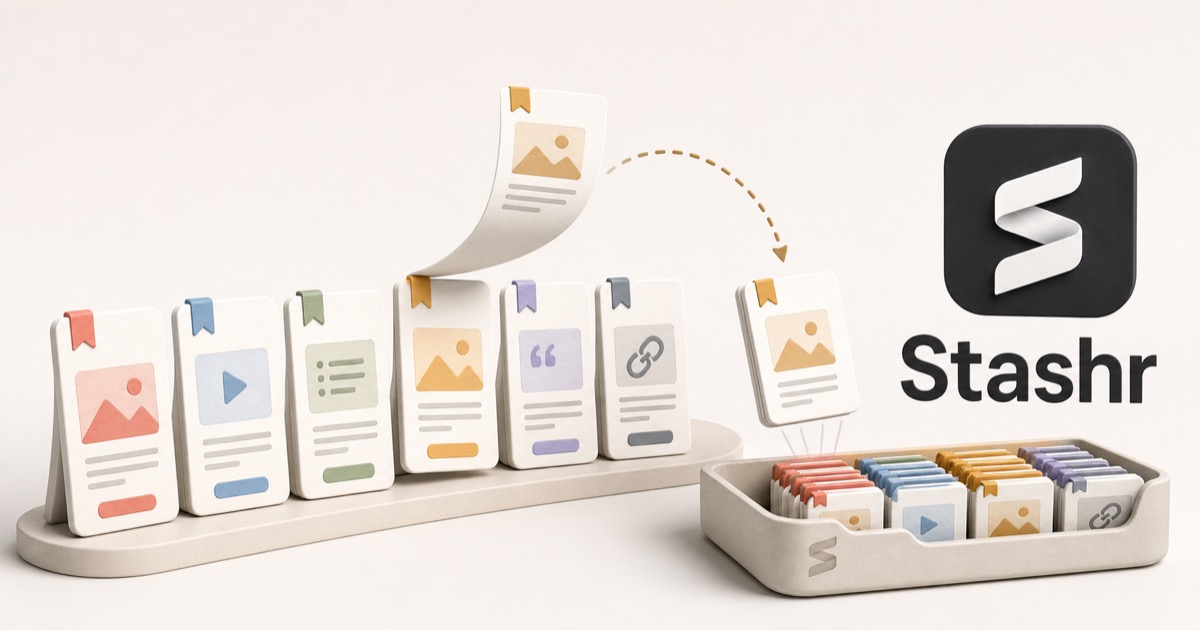
That's the approach Stashr takes. Its browser extension watches the save buttons you already press, on the web and inside X, Reddit, Instagram, and TikTok, and mirrors the full post (text, author, media, and context) into a private library of your own. Because each save is a real copy that's AI-tagged on the way in:
- It survives deletion. The original page or post can vanish; your copy stays.
- Everything lands in one place. Web pages and social saves share a single searchable library instead of a dozen silos.
- You search the way you remember it, in plain English:
It's less a replacement for a link organizer and more the thing the organizers skip: an actual archive of everything you save, wherever you save it.
Cleaning up before you switch?
You don't need a new app to start digging out of the old one. Our free tools can find and drop duplicate bookmarks, check a whole export for dead links, or convert a messy bookmarks file into something usable. No signup required.
How to choose
Match the tool to the failure you're most worried about:
- "I just want it to sync and look nice." Raindrop, or your browser.
- "I want it to still work in a decade." Pinboard, or a self-hosted setup you control.
- "I don't want to organize anything." Mymind or Karakeep, and lean on AI.
- "I keep losing the posts I save in apps." That's the one no traditional manager solves. You need capture, not just bookmarking.
There's no wrong answer for a synced link list. The only real mistake is assuming a bookmark equals a copy, because when the link dies, that's exactly the moment you find out it wasn't.
Common questions
What's the difference between a bookmark manager and a read-it-later app?
A bookmark manager is about keeping and organizing links long-term; a read-it-later app is about reading saved articles in a clean reader view and then clearing them out. Plenty of tools blur the line, but that's the core split: a library versus a queue.
Which bookmark manager is best for saving social media posts?
None of the mainstream managers capture your in-app saves from X, Reddit, Instagram, or TikTok, because a page-clipping extension can't read a social app's private saved list. A capture-first tool like Stashr is built specifically for that gap.
Do bookmark managers keep a copy of the page?
Usually only on their paid or archival tiers. Raindrop Pro and Pinboard's archival plan cache full copies; self-hosted options like Linkding and Karakeep can too. The free tier of most managers stores just the link, which rots.
Is a self-hosted bookmark manager worth it?
If you're comfortable running a server and want full ownership with no subscription, yes. Linkding and Karakeep are both solid. The trade-off is that uptime, backups, and updates become your job.
Bookmarks break. Copies don't.
Stashr captures every save, from the open web and from inside your social apps, the moment you tap it. Full content, auto-tagged, findable in plain English.
14-day free trial · No credit card required · Cancel anytime