Hacker News favorites: how to find, search, and export
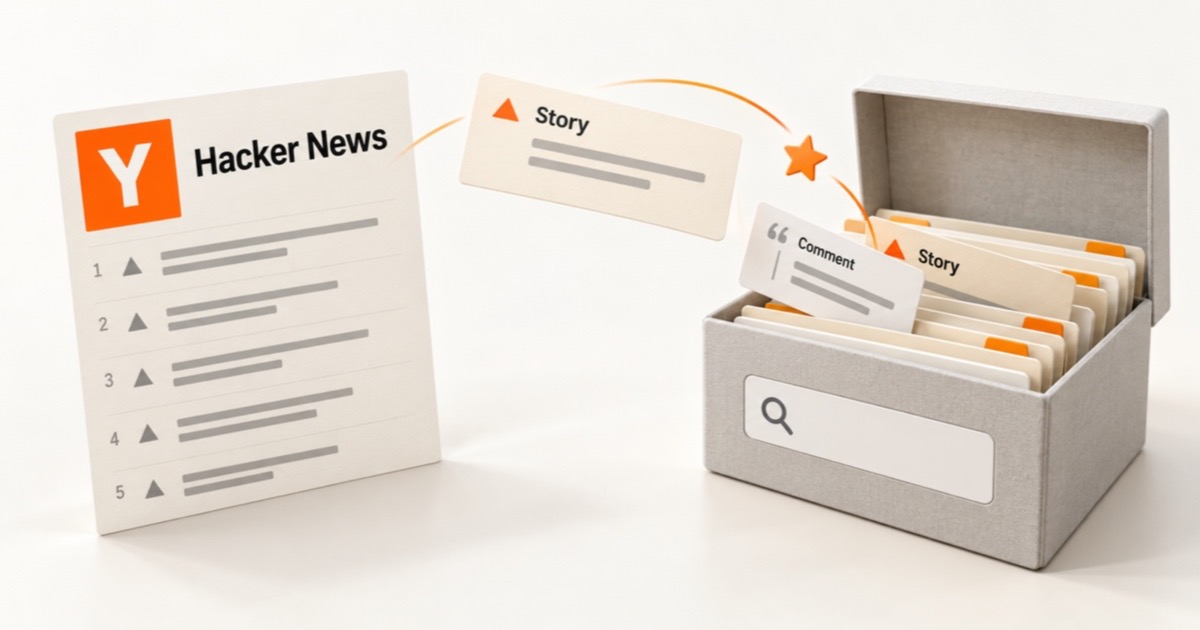
Hacker News has no bookmarks: favorites are the save button. Find your list, favorite a comment, see how it differs from upvotes, and export it all to CSV.

The favorite link is hidden on each item's own page, stories and comments land in separate lists, and anyone can read them. Neither list has search.
Where to find your Hacker News favorites
- Your favorite stories: go to
news.ycombinator.com/favorites?id=followed by your username. Or click your username in the top bar to open your profile, then click favorites. - Your favorite comments: on the same page, click comments at the top
(next to submissions), or add
&comments=tto the URL. - Someone else's favorites: open their profile and click favorites. Anyone can see anyone's list.
The newest favorite is at the top. Each page shows 30, and a More link at the bottom loads the next 30.
How to favorite a story or a comment on Hacker News
The front page has no favorite button. You favorite things from their own page.
To favorite a story:
- Click the story's comment count (or its timestamp, like "3 hours ago") to open its discussion page.
- Click favorite in the line under the title.
To favorite a comment:
- Click the comment's timestamp, next to the author's name. This opens the comment on its own page.
- Click favorite in the comment's header, after parent and context.
The link changes to un-favorite, and the item moves to the top of your favorites. To remove it later, click un-favorite on the item's page or right on your favorites list.
Favorites vs upvotes: which one saves things?
They look similar and do very different jobs:
- Upvotes are a vote. They rank stories and comments for everyone, and your upvoted list isn't open to other people: the page asks visitors to log in.
- Favorites are a bookmark. They go on a list of your own, and that list is public: anyone who knows your username can read it.
If you upvote things "to find them later," that list is harder to get back to than you'd think. Favorites are the save button Hacker News gives you.
Favorites are public
We found no setting to make favorites private. If you'd rather not share what you keep, save it somewhere you control instead.
Why you can't find a favorite again
Hacker News keeps favorites simple, and that's the problem once you have a few hundred:
- No search. HN's site search covers all of Hacker News, not the things you chose to keep. Finding one favorite means paging back with More until you spot it.
- Two lists. Stories and comments are separate, so you have to remember which one it was.
- No folders or tags. Every favorite sits in one long list by date.
- Titles only. The stories list shows titles. If you remember what a post said rather than what it was called, the list won't help.
- Deletions. A favorite points at the live item. If the author deletes a comment you favorited, its text is gone from Hacker News.
How to export your Hacker News favorites
There's no export button, and the official Hacker News API doesn't include favorites at all (it covers items, users, and live lists like top stories). Your list is only on the favorites pages, so the way to get it out is to read those pages.
This script does that. Open any page on news.ycombinator.com, open your
browser's developer console, paste it in with your username, and press Enter.
It walks every page of your favorites, waiting three seconds between pages to be
polite, then copies a CSV to your clipboard:
const user = "YOUR_USERNAME";
const comments = false; // true to export favorite comments instead
let url = `favorites?id=${user}${comments ? "&comments=t" : ""}`;
const rows = [["id", "title_or_comment", "url"]];
while (url) {
  const html = await (await fetch(url)).text();
  const doc = new DOMParser().parseFromString(html, "text/html");
  for (const row of doc.querySelectorAll("tr.athing")) {
    const link = row.querySelector(".titleline > a");
    const text = link ? link.textContent : row.querySelector(".commtext")?.textContent ?? "";
    const href = link ? link.getAttribute("href") : `item?id=${row.id}`;
    rows.push([row.id, text.trim(), new URL(href, location.href).href]);
  }
  url = doc.querySelector("a.morelink")?.getAttribute("href");
  await new Promise((resolve) => setTimeout(resolve, 3000));
}
copy(rows.map((r) => r.map((v) => `"${String(v).replaceAll('"', '""')}"`).join(",")).join("\n"));
Paste the result into a spreadsheet or save it as a .csv file. Run it once with
comments = false and once with comments = true to get both lists. Hacker News
throttles fast requests by serving a short error page, which would end the script
early, so if your file looks short, wait a while and run it again.
An export is a list, not a backup
The file holds titles and links as they are today. Links rot, and if a comment is deleted later, its link leads to nothing. Run your exported links through the dead link checker now and then, and read why links go dead in the first place.
Make your favorites searchable
The fix for "I favorited it but can't find it" is search that reads what each story and comment says. That's what Stashr does with Hacker News. It's an opt-in part of the browser extension: Hacker News stays off until you click Turn on and allow access. It then imports the favorites of the account you're logged in with and copies each new one, including the full text of comments, so you can get it back by what it said.
Stashr keeps a story's link, not the article behind it. The Stashr for Hacker News announcement covers what's kept and how to connect it.
Hacker News favorites, option by option
| Approach | Search by what it says? | Comments included? | Tags or folders? |
|---|---|---|---|
| Hacker News favorites page | No | Yes | No |
| Console export to CSV | Titles and comment text in a spreadsheet | Yes | No |
| Stashr | Yes | Yes | Collections, plus AI auto-tagging on Pro |
Common questions
Does Hacker News have bookmarks?
Not by that name. Favorite is the bookmark: it saves a story or comment to a list on your profile. Browser extensions that add a separate bookmark feature aren't part of Hacker News itself.
How do I favorite a comment on Hacker News?
Click the comment's timestamp to open it on its own page, then click favorite in its header. There's no favorite link on comments inside a thread.
Are Hacker News favorites public?
Yes. Anyone can open your favorites list if they know your username.
Can I search my Hacker News favorites?
Not on Hacker News. The site search covers all of HN, not your favorites. Export them to a spreadsheet with the script above, or use a tool that indexes them for you.
How do I remove a favorite?
Open the story or comment and click un-favorite, or click un-favorite next to it on your favorites list.
Find the comment, not just the favorite.
Stashr copies the stories and comments you favorite on Hacker News and lets you search them by what they say. 14-day trial, no card required.
14-day free trial · No credit card required · Cancel anytime