Stashr now saves your Facebook posts, Reels, and listings
Facebook support is live in Stashr. Turn it on once, import your Saved items, and keep searchable copies of your posts, listings, and events.
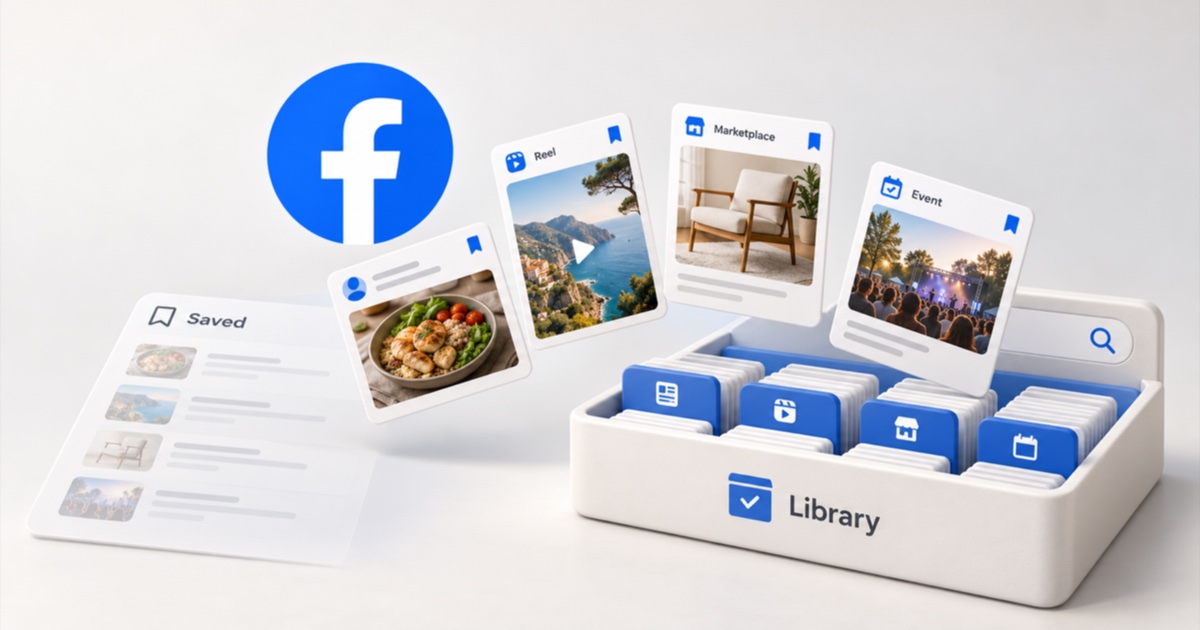
Facebook's Saved page is where good posts go to be forgotten. You save a recipe from a group, a listing you meant to message about, an event you swore you'd go to, and a month later it's buried or gone. Starting today, Stashr can keep a real copy of them.
What's new
Facebook joins X, Reddit, Instagram, TikTok, LinkedIn, GitHub, and Hacker News as a platform the Stashr extension captures from. There are two parts, and they work together:
- Import your Saved items. Stashr reads your Saved list and copies it into your library, newest first. Run it again any time and it only adds what's new.
- Capture new saves. Once you're set up, saving a post from your feed (the ⋯ menu, then Save) is captured as you save. A small "Stashed" tooltip appears next to the post. Unsave it from your feed and it leaves your library too.
From there, Facebook saves get the same plain-English search as everything else in Stashr, plus AI tags on Pro and during the trial. Search "that slow cooker recipe from the cooking group" and it finds the post, even if you never filed it in a collection.
What Stashr keeps from each kind of save
Facebook's Saved list is a preview: a title, a thumbnail, and a link. Stashr reads each item properly, so you keep the parts you'd actually miss:
| What you saved | What Stashr keeps |
|---|---|
| Posts | Full text, photos, author, group, and post date |
| Reels and videos | Caption, poster image, and length, plus the creator when Facebook includes it |
| Marketplace listings | Price, description, location, sold status, and all photos |
| Events | Name, date and time as Facebook shows it, venue, description, and cover image |
| Events shared in a post | The card's title and link, alongside the post |
Imports get the largest photos Facebook offers, and saves from your feed use the size your feed loaded. Stashr also notes which Facebook collection each item came from, so the "Trip ideas" name you made on Facebook is still there as a label on the bookmark. Your collections aren't recreated as Stashr collections.
What it doesn't copy
Video plays from the original: a saved Reel keeps its poster frame and links back. Saved external links and Pages come in as a basic preview rather than a full copy. Facebook doesn't share when you saved something, so imported saves keep the order of your Saved list instead of an exact save date. And a post already deleted before you imported it can't be brought back, which is the best reason to connect Facebook sooner rather than later.
How to connect Facebook
Facebook is off until you allow it. Stashr only asks for access to facebook.com when you choose to connect it, and if you decline, nothing else changes.
- Install the extension for Chrome, Edge, Brave, or Firefox, and sign in at stashr.me. The install docs walk through it.
- Log in to Facebook in that same browser. Stashr uses your own logged-in session, so there's no separate Facebook login to manage.
- Turn on Facebook once. Click Turn on on the Facebook row in the extension popup, or on the Facebook card on your Connections page. A Stashr tab opens: click Allow access, then Allow when your browser asks. Stashr only reads those pages and never posts anything for you.
- Let the import run. The extension opens your Saved page in a background tab and works through your saves. If it doesn't start on its own, click Import your saves on the Facebook card.
- Keep saving the way you already do. New saves from your feed are captured as you make them.
Big libraries take a while on the first import. Stashr fills in your saves one at a time rather than hammering Facebook, and you can pause and resume from the same card. The Saving from Facebook doc has the full details.
Saved something from the Reel player or Marketplace?
Real-time capture covers saves from your feed. Saves you make elsewhere, like the Facebook phone app, the Reel player, a Marketplace listing page, or an event page, come in the next time you run the import.
New to Facebook's Saved page?
A Facebook save is a pointer to someone else's post, and it can break when they delete it or change who can see it. Our Facebook saved items guide covers where saves live, how collections work, and what Facebook's own export includes. See Stashr for Facebook for how it fits with the rest of your library.
Common questions
Does Stashr need my Facebook password?
No. The extension works inside your own logged-in Facebook session. Stashr never sees or stores your Facebook password.
Will it import my Facebook collections?
It imports the items in them and labels each bookmark with the collection it came from. It doesn't recreate your Facebook collections as Stashr collections.
Can I turn Facebook capture off?
Yes. The Facebook card on your Connections page has a capture toggle, and the same switch lives in the extension's options. Turning it off stops new captures and imports without touching what's already in your library.
Keep your Facebook saves
Install the extension, turn on Facebook, and import your Saved items in one go. Every new account starts with a 14-day trial, no card required.
14-day free trial · No credit card required · Cancel anytime